A laptop stand for a car transforms your vehicle into a productive mobile command center by providing a stable, ergonomic platform for your device, significantly improving comfort and efficiency for professionals on the go. These stands help prevent neck, shoulder, and back pain associated with poor posture, enhance typing accuracy, and secure your laptop from movement, making them essential for anyone working from their vehicle.
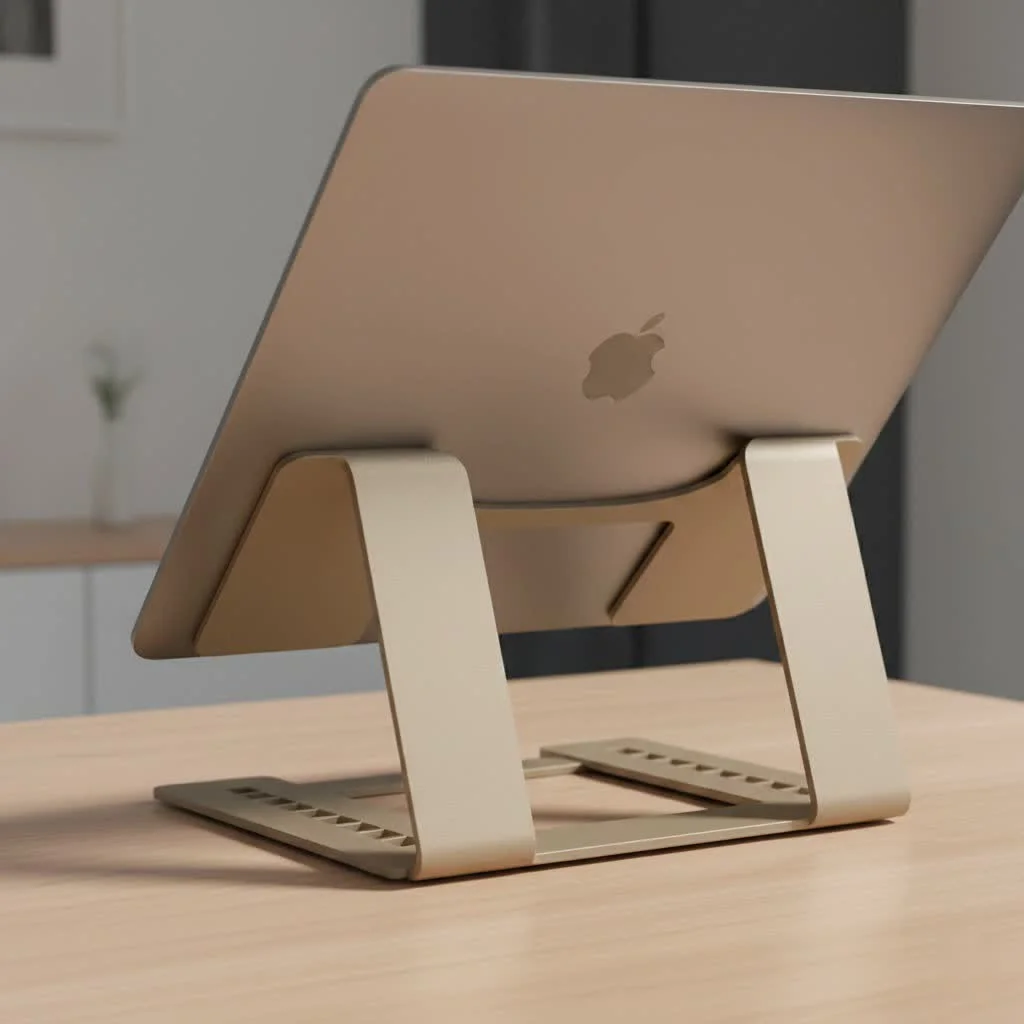
As a specialist with over a decade of experience at Wweaw.com, I’ve seen firsthand how the right equipment can revolutionize mobile productivity. A proper laptop mount isn’t just a convenience; it’s a critical component for anyone serious about working effectively and comfortably from their vehicle.
Why You Absolutely Need a Laptop Stand for Your Car
Hunching over a laptop perched precariously on your passenger seat or lap isn’t just uncomfortable—it’s an ergonomic nightmare. A dedicated car laptop stand addresses several key issues, making it an indispensable accessory for professionals on the move.
The benefits are clear:
- Vastly Improved Ergonomics: By raising your laptop to a comfortable viewing height and angle, a stand helps prevent the neck, shoulder, and back pain associated with poor posture.
- Enhanced Productivity: A stable and secure surface allows you to type faster and more accurately. Many stands also offer space for a mouse, turning your car into a true desk.
- Device Safety: A quality mount secures your laptop, protecting it from sudden stops, sharp turns, and the risk of falling to the floor.
- Professionalism: Pulling over to take a video call or send an important email from a proper setup looks far more professional than fumbling with a laptop on your knees.
- Versatility: Beyond work, these stands are perfect for enjoying a meal, watching a movie during a break, or providing entertainment for passengers on a long road trip.
Types of Car Laptop Stands: Finding Your Perfect Match
Not all car laptop stands are created equal. The best choice for you depends on your vehicle, your work habits, and how you intend to use it. Here’s a breakdown of the most common types available.
Steering Wheel Desks
As the name suggests, these trays hook directly onto your steering wheel. They are the simplest and most portable option, designed for quick use when the vehicle is parked.
- Best For: Salespeople, delivery drivers, or anyone needing a temporary surface for quick tasks like signing documents, jotting down notes, or a brief typing session.
- Pros: Highly affordable, incredibly easy to attach and remove, and compact enough to store in a seat-back pocket.
- Cons: Must never be used while driving. They offer limited stability for heavy typing and are generally not as adjustable as other types.
Passenger Seat & Floor Mounts
|
Our Picks for the Best Laptop Stand in 2026
As an Amazon Associate I earn from qualifying purchases.
|
||
| Num | Product | Action |
|---|---|---|
| 1 | tounee Telescopic Laptop Stand for Desk with 360° Swivel Base, Sit to Stand, Height Adjustable, Portable Riser Holder for Good Posture, Compatible with MacBook Pro, All Laptops 10-17\"-Gray |

|
| 2 | Amazon Basics Sturdy and Portable Ergonomic Laptop Stand for Desk, Height Adjustable Riser with Ventilated Cooling, Foldable, Fits all Laptops up to 17.3 Inch, Silver, 10 x 8.7 x 6 in |
|
| 3 | acer Laptop Stand for Desk - with 360 Swivel Base, Rotating Laptop Riser for Desk, Adjustable Computer Stand for Laptops, Ergonomic Riser Holder Foldable, Portable MacBook Pro Air (10-16\") - Silver |
|
| 4 | BESIGN LS03 Aluminum Laptop Stand, Ergonomic Detachable Computer Stand, Riser Holder Notebook Stand Compatible with Air, Pro, Dell, HP, Lenovo More 10-15.6\" Laptops, Black |
|
| 5 | Lamicall Adjustable Laptop Stand, Portable Laptop Riser, Aluminum Laptop Stand for Desk Foldable, Ergonomic Computer Notebook Stand Holder for MacBook Air Pro, Dell XPS, HP (10-17.3\'\') - Silver |
|
| 6 | OMOTON 360° Rotating Laptop Stand Riser for Desk, Ergonomic Foldable Computer Stand Adjustable Height Angles for Collaborative Work, Easy Storage Fit Macbooks,All Laptops up to 16 inches, Silver |
|
| 7 | Adjustable Laptop Stand, Computer Stand with 360 Rotating Base, Ergonomic Laptop Riser Mount for Desk Foldable Protable Computer Desk Fits with MacBook Pro Air (10-16\") - Black |
|
| 8 | Adjustable Laptop Stand for Desk, Metal Foldable Laptop Riser Holder, Portable Desktop Book Stands, Ventilated Cooling Computer Notebook Stand Compatible with 10-15.6” Laptops |
|
| 9 | Laptop Stand for Desk, Adjustable Laptop Riser ABS+Silicone Foldable Portable Notebook Holder, Ventilated Cooling Notebook Mount Computer Stand for 10-15.6” Laptops,Tablets-Black |
|
| 10 | BESIGN LS03 Aluminum Laptop Stand, Ergonomic Detachable Computer Stand, Notebook Riser Compatible with Air, Pro, Dell, HP, Lenovo More 10-15.6\" Laptops, Silver |
|
These are the most robust and popular solutions for creating a serious mobile office. They typically feature a pole that mounts to the passenger seat floor bolt, with an articulating arm that holds the laptop tray.
- Best For: Professionals who spend hours working from their vehicle, such as law enforcement, contractors, and field technicians. They offer unparalleled stability and adjustability.
- Pros: Extremely sturdy and secure, highly adjustable for perfect positioning, and keeps the laptop out of the way when not in use. “No-drill” options are available that use existing seat bolts for easy installation.
- Cons: More expensive and the installation is more involved than a simple tray. They can also intrude on passenger space.
Backseat Mounts
Designed primarily for passenger use, these mounts attach to the headrest posts of the front seats.
- Best For: Entertaining kids or passengers on long journeys, allowing them to watch movies or play games hands-free.
- Pros: Easy to install, keeps backseat passengers occupied, and frees up hands.
- Cons: Not accessible or useful for the driver or front-seat passenger.
How to Choose the Best Laptop Stand for Your Car
With a clear understanding of the types, selecting the perfect model comes down to a few key factors. Consider these points to ensure you make the right investment.
Compatibility with Your Vehicle
Before you buy, check your vehicle’s interior. For a seat bolt mount, ensure the passenger seat bolt is accessible and flat. Some mounts come with various brackets to fit different bolt angles. Measure the space you have available to avoid a setup that feels cramped.
Laptop Size and Weight
Check the stand’s specifications to confirm it can handle your laptop’s dimensions and weight. A heavy-duty stand is essential for larger, heavier laptops to prevent wobbling and ensure stability.
Adjustability and Ergonomics
The best laptop stand for car setups offer a full range of motion. Look for features like:
- Height Adjustment: To bring the screen to eye level.
- Tilt Control: To eliminate screen glare and create a comfortable typing angle.
- 360-Degree Swivel: To easily share the screen or move the stand out of the way.
Installation Process
Decide if you’re comfortable with a semi-permanent installation. Many high-quality mounts are “no-drill,” meaning they attach to the passenger seat rail bolt without any permanent modification to your car. For a quick, temporary solution, a steering wheel tray requires no installation at all.
Safety First: The Dos and Don’ts of Using a Car Laptop Mount
Your safety and the safety of others on the road are paramount. A laptop stand is a tool for productivity when parked, not a distraction while driving.
“A car laptop stand is a major upgrade for productivity, but its use is strictly for when you are safely parked. Never compromise safety for convenience. Your focus on the road is non-negotiable.” – Daniel Carter, a mobile office solutions expert at Wweaw.com
DO:
- Always pull over to a safe, legal parking spot before using your laptop.
- Ensure the stand is installed correctly and all knobs and joints are securely tightened.
- Position the stand so it does not obstruct your view, access to controls, or airbag deployment zones.
DON’T:
- NEVER attempt to use a laptop while the vehicle is in motion. This is dangerous, illegal in most places, and constitutes distracted driving.
- Never use a steering wheel-mounted tray while driving. It should be removed and stowed before you start the engine.
- Don’t leave your laptop in a hot car, as extreme temperatures can damage its components.
Conclusion: Drive Your Productivity Forward
Choosing the right laptop stand for car is a critical step in building an efficient and comfortable mobile office. By evaluating your specific needs—whether it’s for quick tasks between appointments or long work sessions in the field—you can find a solution that fits perfectly. From simple steering wheel trays to robust, fully articulating floor mounts, the right stand will help you work smarter, safer, and more comfortably. improve your vehicle’s downtime into productive uptime and take your mobile workstation to the next level.
Get our weekly buyer guide
Practical specs, not advice. Unsubscribe anytime.

This stand has really improved my efficiency when I’m out in the field. I used to just balance my laptop on the passenger seat, which was a nightmare for typing accuracy. Now I have a proper platform, and it makes a huge difference. My only minor complaint is that it took a little longer than expected to install, but once it’s in, it’s solid.
I was skeptical about a laptop stand for my car, but this has been a game-changer for my mobile office setup. I used to get such bad neck and shoulder pain trying to work from my truck, but with this stand, I can finally maintain good posture. It’s super stable, even on bumpy roads, and my laptop feels really secure. Definitely recommend for anyone who works on the go!
As a consultant who’s always driving between client sites, this car laptop mount has been a lifesaver. I used to dread trying to get work done in my car, but now it’s actually comfortable. It’s made a huge difference in preventing the back pain I used to get from hunching over. Best investment for my mobile productivity!
It’s a decent stand and definitely helps with keeping my laptop secure from movement while I’m parked and working. I appreciate that it prevents my device from sliding around. However, I found the adjustment mechanism a bit stiff, making it hard to get the perfect ergonomic angle quickly. It does the job, but could be smoother.