A rolling laptop stand transforms any space into a flexible productivity hub by offering unmatched mobility, improved ergonomics, and efficient space-saving. These stands are equipped with caster wheels, allowing users to effortlessly move their workstation and adjust the height and angle of their laptop for optimal posture, significantly reducing physical strain and promoting better health.
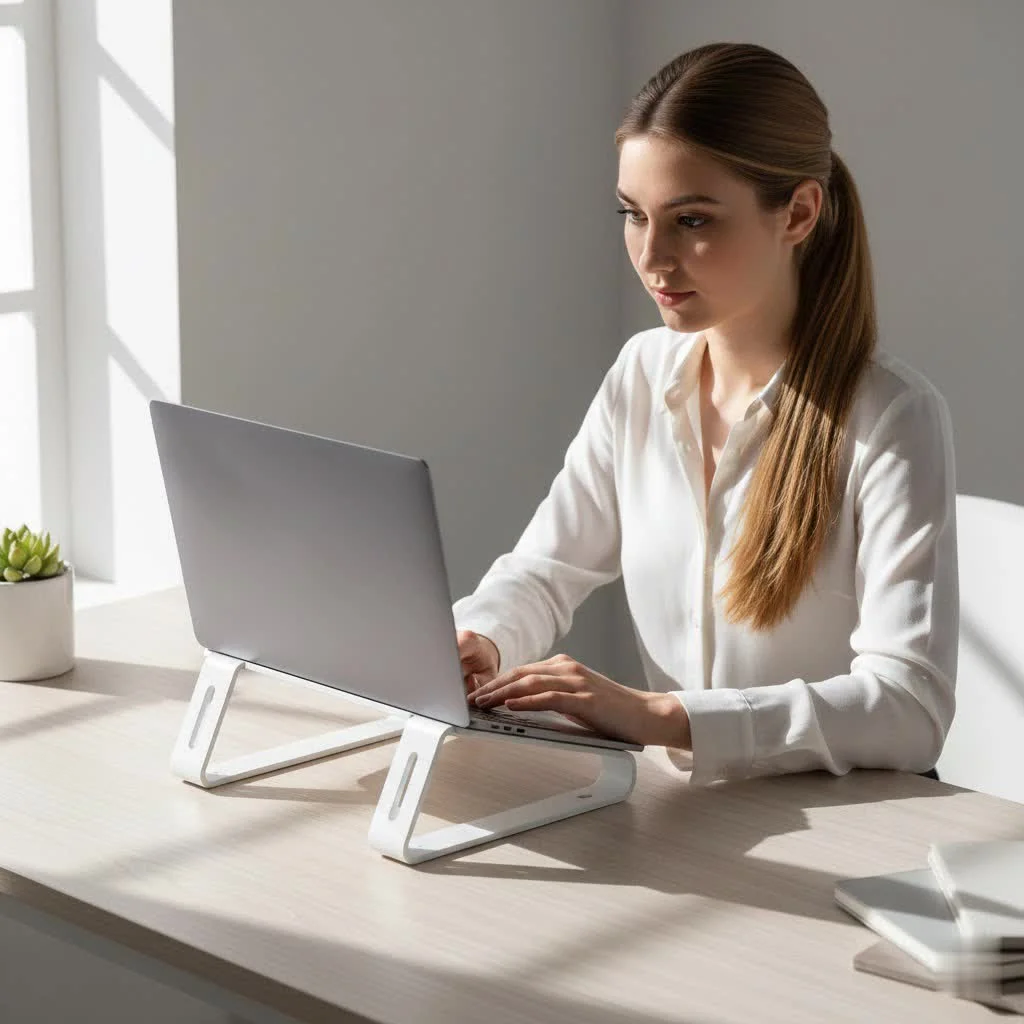
Forget being chained to a single desk. A rolling laptop stand gives you the freedom to work where you’re most comfortable and inspired, be it by a sunny window, on your cozy couch, or even in bed. This guide will walk you through everything you need to know about these versatile workstations, from their core benefits to the key features to look for when choosing the perfect one for your needs.
The Game-Changing Benefits of a Rolling Laptop Stand
Integrating a mobile stand into your routine offers a surprising number of advantages that go far beyond simple convenience. It’s about creating a workspace that moves with you, promoting better health and greater productivity along the way.
Unmatched Mobility and Flexibility
The most obvious benefit is the freedom of movement. Equipped with caster wheels, a rolling laptop stand allows you to effortlessly move your entire workstation from one room to another. This is perfect for individuals in smaller living spaces who need furniture to serve multiple purposes or for those in collaborative environments who need to shift locations for meetings or presentations. You can start your day at a makeshift standing desk in the kitchen and end it by catching up on emails from the living room.
A Major Boost for Your Ergonomics
Hunching over a laptop is a fast track to neck, shoulder, and back pain. A rolling laptop stand addresses this by allowing you to adjust the height and often the angle of your laptop. By raising the screen to eye level, you can maintain a neutral, upright posture, significantly reducing physical strain. This ability to switch between sitting and standing is a cornerstone of modern ergonomics, helping to improve circulation and reduce the health risks associated with a sedentary lifestyle.
A Smart, Space-Saving Solution
In a compact home or office, every square foot counts. A rolling laptop stand has a small footprint and can be easily tucked away when not in use. It can function as a primary desk, a temporary workstation, or even a lectern for presentations. This versatility makes it an invaluable asset for anyone looking to maximize their available space without sacrificing functionality.
“The biggest mistake people make is adapting their body to their technology,” notes ergonomics consultant Dr. Marcus Thorne. “A rolling laptop stand does the opposite. It allows you to adapt your technology to your body, wherever you choose to work. That simple shift is revolutionary for long-term health and focus.”
How to Choose the Perfect Rolling Laptop Stand
With a variety of options on the market, selecting the right stand can feel overwhelming. Focus on these key factors to find a model that perfectly aligns with your workflow and environment.
Adjustability is Non-Negotiable
|
Our Picks for the Best Laptop Stand in 2026
As an Amazon Associate I earn from qualifying purchases.
|
||
| Num | Product | Action |
|---|---|---|
| 1 | BESIGN LS03 Aluminum Laptop Stand, Ergonomic Detachable Computer Stand, Riser Holder Notebook Stand Compatible with Air, Pro, Dell, HP, Lenovo More 10-15.6\" Laptops, Black |

|
| 2 | tounee Telescopic Laptop Stand for Desk with 360° Swivel Base, Sit to Stand, Height Adjustable, Portable Riser Holder for Good Posture, Compatible with MacBook Pro, All Laptops 10-17\"-Gray |
|
| 3 | Adjustable Laptop Stand, Computer Stand with 360 Rotating Base, Ergonomic Laptop Riser Mount for Desk Foldable Protable Computer Desk Fits with MacBook Pro Air (10-16\") - Black |
|
| 4 | acer Laptop Stand for Desk - with 360 Swivel Base, Rotating Laptop Riser for Desk, Adjustable Computer Stand for Laptops, Ergonomic Riser Holder Foldable, Portable MacBook Pro Air (10-16\") - Silver |
|
| 5 | OMOTON 360° Rotating Laptop Stand Riser for Desk, Ergonomic Foldable Computer Stand Adjustable Height Angles for Collaborative Work, Easy Storage Fit Macbooks,All Laptops up to 16 inches, Silver |
|
| 6 | Adjustable Laptop Stand for Desk, Metal Foldable Laptop Riser Holder, Portable Desktop Book Stands, Ventilated Cooling Computer Notebook Stand Compatible with 10-15.6” Laptops |
|
| 7 | Amazon Basics Sturdy and Portable Ergonomic Laptop Stand for Desk, Height Adjustable Riser with Ventilated Cooling, Foldable, Fits all Laptops up to 17.3 Inch, Silver, 10 x 8.7 x 6 in |
|
| 8 | Laptop Stand for Desk, Adjustable Laptop Riser ABS+Silicone Foldable Portable Notebook Holder, Ventilated Cooling Notebook Mount Computer Stand for 10-15.6” Laptops,Tablets-Black |
|
| 9 | BESIGN LS03 Aluminum Laptop Stand, Ergonomic Detachable Computer Stand, Notebook Riser Compatible with Air, Pro, Dell, HP, Lenovo More 10-15.6\" Laptops, Silver |
|
| 10 | Lamicall Adjustable Laptop Stand, Portable Laptop Riser, Aluminum Laptop Stand for Desk Foldable, Ergonomic Computer Notebook Stand Holder for MacBook Air Pro, Dell XPS, HP (10-17.3\'\') - Silver |
|
The primary ergonomic advantage of a rolling stand is its adjustability. Look for two key features:
- Height Adjustment: The stand should offer a wide range of height settings to comfortably accommodate both sitting and standing positions for your specific height. A smooth, easy-to-use mechanism, whether it’s a manual knob or a pneumatic lever, is essential.
- Angle Adjustment: The ability to tilt the surface is crucial for achieving the optimal viewing angle, reducing glare, and preventing wrist strain.
Stability and Build Quality
Your laptop is a valuable piece of equipment, so the stand holding it must be stable and secure. Check the materials used—steel or high-quality aluminum frames generally offer the best durability. The base should be wide enough to prevent wobbling, especially when the stand is at its maximum height. Also, verify the weight capacity to ensure it can comfortably support your laptop and any other accessories.
Size and Surface Area
Consider what you’ll be placing on the stand. Do you only need space for your laptop, or do you also use an external mouse, a notebook, or a cup of coffee? Some models come with a single surface, while others offer a split-top design with separate platforms for your laptop and mouse. Measure your laptop and think about your daily needs to choose a surface area that won’t feel cramped.
The Quality of the Wheels
The “rolling” part of the stand is only as good as its wheels, or casters. Look for smooth-gliding wheels that won’t scratch your floors. For added stability, at least two of the wheels should have a locking mechanism. This ensures your workstation stays firmly in place once you’ve found your perfect spot.
Creative Uses Beyond the Home Office
While perfect for work, the versatility of a rolling laptop stand extends to many other areas of life:
- As a Mobile Lectern: Ideal for teachers, speakers, or anyone giving a presentation.
- In the Workshop or Garage: Keep instructions or tutorial videos at eye level while you work on projects.
- As a Crafting Table: Easily move your supplies and workspace to the area with the best lighting.
- A Bedside Table: Perfect for reading, watching movies, or enjoying a meal in bed.
Frequently Asked Questions (FAQ)
Are rolling laptop stands stable enough for expensive equipment?
Yes, provided you choose a high-quality model. Look for stands with a sturdy steel or aluminum frame, a wide base, and a specified weight capacity that exceeds your laptop’s weight. Locking casters are also a key feature for ensuring stability during use.
Can I use an external mouse comfortably?
Absolutely. Many rolling stands are designed with enough surface area for both a laptop and a mouse. Some even feature a split-top design with a dedicated, adjustable platform specifically for your mouse, enhancing ergonomic comfort.
How difficult are they to assemble?
Most rolling laptop stands are designed for easy assembly and typically come with all the necessary tools and instructions. You can usually have one set up and ready to use in under 30 minutes.
Will the wheels damage my hardwood floors?
Reputable manufacturers use soft, smooth-rolling casters made from materials like polyurethane that are designed to be safe for all floor types, including hardwood. However, it’s always wise to check the product specifications and reviews.
What is the ideal height for a rolling laptop stand?
Ergonomically, the top of your screen should be at or just below eye level when you are sitting or standing up straight. The ideal stand will have a height adjustment range that allows you to achieve this in both positions.
Your Workspace, Reimagined
A rolling laptop stand is more than an accessory; it’s a tool that empowers you to create a healthier, more flexible, and more productive work environment. By breaking free from the traditional, static desk, you open up a world of possibilities for where and how you can work. By prioritizing key features like adjustability, stability, and quality construction, you can invest in a solution that will serve you well for years to come, no matter where your work takes you.
Frequently Asked Questions
Are rolling laptop stands stable enough for expensive equipment?
Yes, high-quality rolling laptop stands are stable enough for expensive equipment. Look for models with a sturdy steel or aluminum frame, a wide base, and a specified weight capacity that exceeds your laptop's weight. Locking casters are crucial for ensuring stability during use.
Can I comfortably use an external mouse with a rolling laptop stand?
Absolutely. Many rolling stands are designed with ample surface area for both a laptop and an external mouse. Some models even feature a split-top design with a dedicated, adjustable platform specifically for your mouse, enhancing ergonomic comfort and preventing wrist strain.
How difficult is it to assemble a rolling laptop stand?
Most rolling laptop stands are designed for straightforward assembly. They typically come with all necessary tools and clear instructions, allowing users to set them up and have them ready for use in under 30 minutes. This ease of assembly makes them convenient for immediate use.
Will the wheels on a rolling laptop stand damage my hardwood floors?
Reputable manufacturers use soft, smooth-rolling casters made from materials like polyurethane, which are designed to be safe for all floor types, including hardwood. It is always recommended to check the product specifications and customer reviews to confirm wheel material and floor compatibility.
What is the ideal ergonomic height for a rolling laptop stand?
Ergonomically, the top of your laptop screen should be positioned at or just below eye level when you are sitting or standing with an upright posture. The ideal rolling laptop stand will offer a wide height adjustment range to comfortably achieve this optimal viewing height in both sitting and standing positions.
Choose the Perfect Rolling Laptop Stand
Selecting the right rolling laptop stand involves considering several key factors to ensure it meets your ergonomic and functional needs.
Prioritize stands with extensive height adjustment to accommodate both sitting and standing positions comfortably. Ensure it also offers angle adjustment for optimal screen viewing and to reduce glare and wrist strain.
Check for sturdy materials like steel or high-quality aluminum frames and a wide base to prevent wobbling. Verify the stand's weight capacity to ensure it can securely support your laptop and any additional accessories.
Determine if you need space only for your laptop or if you require additional room for an external mouse, notebook, or other items. Some models offer split-top designs for separate platforms, which can enhance comfort and organization.
Look for smooth-gliding casters that will not scratch your floors. For enhanced stability, ensure that at least two of the wheels include a reliable locking mechanism to keep your workstation securely in place.
Get our weekly buyer guide
Practical specs, not advice. Unsubscribe anytime.
I got a basic model to try out the whole ‘work from anywhere’ idea. While the mobility is nice, I found that the surface area on the cheaper stands is a bit too small for my laptop plus an external mouse. It works, but it feels a little cramped. Next time I’ll invest in one with a larger platform.
This stand has completely transformed my home office setup. I can now easily shift my workstation to catch the best light or just change up my scenery, which really helps with focus. The ability to adjust the height for standing or sitting has been a huge plus for my posture and overall energy levels throughout the day. Highly recommend for anyone looking to reduce physical strain.
I picked up one of the mid-range rolling stands mentioned, and it’s pretty solid. The caster wheels are smooth, which is great for moving it around my small apartment. My only minor gripe is that the angle adjustment can be a little stiff sometimes, but once it’s set, it holds firm. Definitely helps with not being chained to one spot.
I was really struggling with neck pain from hunching over my laptop all day, even with my old stand. This rolling laptop stand has been a game-changer! I love that I can easily move it from my desk to the living room, and the height adjustment is fantastic for getting that perfect ergonomic setup. My neck feels so much better, and I’m way more productive.