In our ever-evolving digital world, laptops have become indispensable tools, anchoring our work, creativity, and entertainment. But let’s be honest, they can also be notorious desk hogs, cluttering our valuable workspace. This is where a vertical laptop stand steps in, transforming your chaotic desk into a streamlined, productive haven. It’s not just about tidiness; it’s about unlocking a new level of efficiency and protecting your prized portable companion.
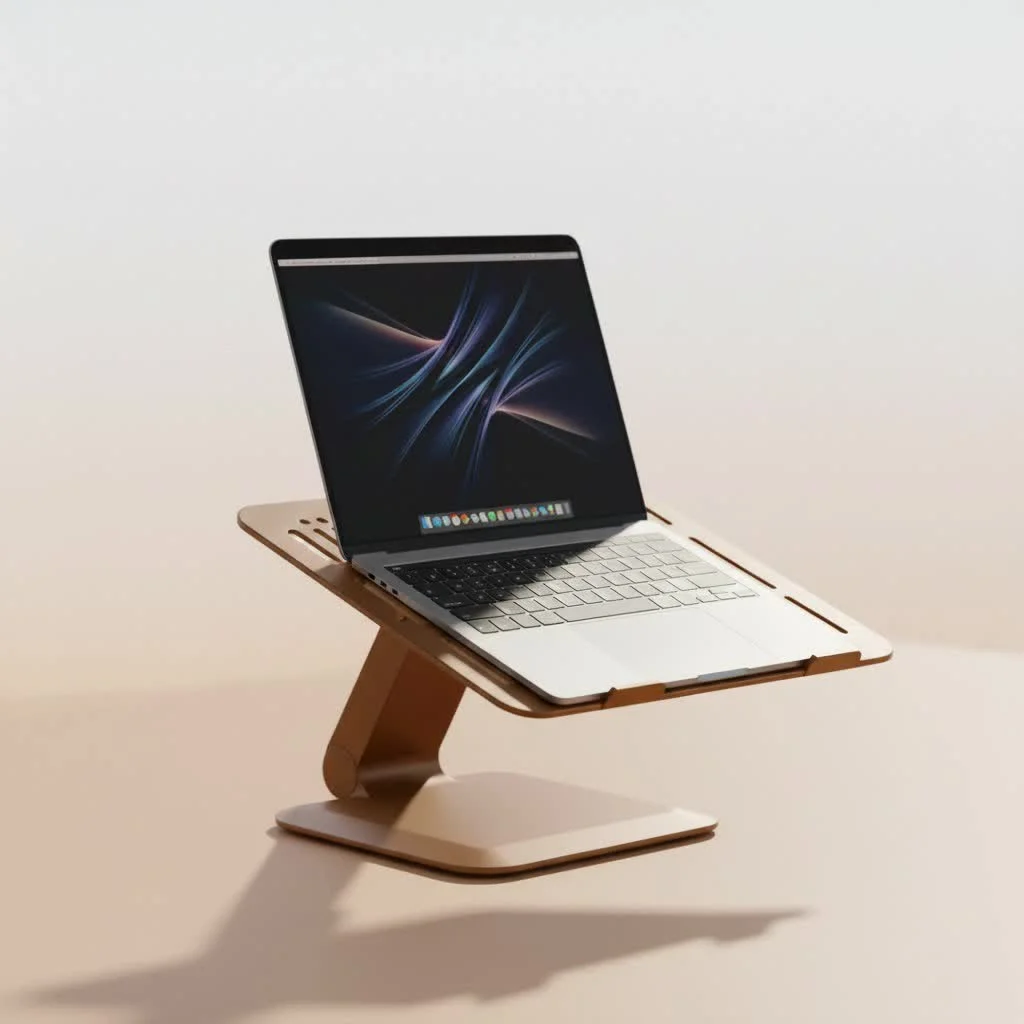
What Exactly is a Vertical Laptop Stand?
At its core, a vertical laptop stand is a smart accessory designed to hold your laptop upright. Unlike traditional stands that elevate your laptop screen for ergonomic viewing, a vertical stand typically cradles your device in a compact, vertical orientation. This setup is most commonly used when your laptop is in “clamshell mode,” meaning it’s closed and connected to an external monitor, keyboard, and mouse. But even without clamshell mode, it serves as an elegant storage solution, maximizing your desk’s potential. Think of it as a dedicated garage for your laptop, keeping it safe and out of the way until its next adventure.
The Undeniable Benefits of Going Vertical
Embracing a vertical laptop stand can revolutionize your workspace in ways you might not expect.
Reclaim Your Valuable Desk Real Estate
The most immediate and obvious benefit is the incredible space-saving advantage. By storing your laptop vertically, you instantly free up a substantial portion of your desk. That sprawling laptop footprint shrinks to a slender profile, making room for your essential documents, notebooks, a cup of coffee, or even just some much-needed empty space to breathe. It’s like magic, turning a cramped corner into an expansive command center.
A Sanctuary for Your Tech: Enhanced Protection
Let’s face it, desks can be accident zones. Spilled drinks, accidental bumps, or stray objects are constant threats to your laptop when it’s lying flat. A vertical laptop stand cradles your device securely in an upright position, significantly reducing the risk of accidental damage. It elevates your laptop, safeguarding it from those dreaded spills and potential falls, giving you peace of mind while you work.
Keeping Your Cool: Optimizing Laptop Airflow
Laptops, especially under heavy loads, can get quite toasty. When your laptop sits flat on a desk, its vents, often located on the underside, can become partially blocked, hindering proper heat dissipation. A vertical laptop stand lifts your device, exposing its vents to open air and allowing for far more efficient cooling. This improved airflow can help maintain optimal operating temperatures, potentially extending your laptop’s lifespan and preventing performance throttling. As Dr. Eleanor Vance, a renowned expert in ergonomic workspace design, often says, “Efficient cooling isn’t just about comfort; it’s a critical factor in the longevity and performance of your digital tools.”
The Aesthetic Appeal: An Organized & Stylish Workspace
|
Our Picks for the Best Laptop Stand in 2026
As an Amazon Associate I earn from qualifying purchases.
|
||
| Num | Product | Action |
|---|---|---|
| 1 | Laptop Stand for Desk, Adjustable Laptop Riser ABS+Silicone Foldable Portable Notebook Holder, Ventilated Cooling Notebook Mount Computer Stand for 10-15.6” Laptops,Tablets-Black |

|
| 2 | Lamicall Adjustable Laptop Stand, Portable Laptop Riser, Aluminum Laptop Stand for Desk Foldable, Ergonomic Computer Notebook Stand Holder for MacBook Air Pro, Dell XPS, HP (10-17.3\'\') - Silver |
|
| 3 | tounee Telescopic Laptop Stand for Desk with 360° Swivel Base, Sit to Stand, Height Adjustable, Portable Riser Holder for Good Posture, Compatible with MacBook Pro, All Laptops 10-17\"-Gray |
|
| 4 | Adjustable Laptop Stand, Computer Stand with 360 Rotating Base, Ergonomic Laptop Riser Mount for Desk Foldable Protable Computer Desk Fits with MacBook Pro Air (10-16\") - Black |
|
| 5 | Adjustable Laptop Stand for Desk, Metal Foldable Laptop Riser Holder, Portable Desktop Book Stands, Ventilated Cooling Computer Notebook Stand Compatible with 10-15.6” Laptops |
|
| 6 | Amazon Basics Sturdy and Portable Ergonomic Laptop Stand for Desk, Height Adjustable Riser with Ventilated Cooling, Foldable, Fits all Laptops up to 17.3 Inch, Silver, 10 x 8.7 x 6 in |
|
| 7 | acer Laptop Stand for Desk - with 360 Swivel Base, Rotating Laptop Riser for Desk, Adjustable Computer Stand for Laptops, Ergonomic Riser Holder Foldable, Portable MacBook Pro Air (10-16\") - Silver |
|
| 8 | OMOTON 360° Rotating Laptop Stand Riser for Desk, Ergonomic Foldable Computer Stand Adjustable Height Angles for Collaborative Work, Easy Storage Fit Macbooks,All Laptops up to 16 inches, Silver |
|
| 9 | BESIGN LS03 Aluminum Laptop Stand, Ergonomic Detachable Computer Stand, Notebook Riser Compatible with Air, Pro, Dell, HP, Lenovo More 10-15.6\" Laptops, Silver |
|
| 10 | BESIGN LS03 Aluminum Laptop Stand, Ergonomic Detachable Computer Stand, Riser Holder Notebook Stand Compatible with Air, Pro, Dell, HP, Lenovo More 10-15.6\" Laptops, Black |
|
Beyond functionality, a vertical laptop stand adds a touch of modern sophistication to any desk setup. By neatly organizing your laptop, it helps eliminate clutter and creates a cleaner, more minimalist aesthetic. A tidy workspace isn’t just visually pleasing; it can also reduce mental clutter, fostering a more focused and productive environment. It’s an instant upgrade for your home office or professional workstation.
Seamless Clamshell Mode for Multi-Monitor Setups
For anyone running an external monitor setup, a vertical laptop stand is a game-changer. It allows you to use your laptop in “clamshell mode,” keeping it closed and out of sight while still powering your external display. This setup declutters your visual field, allowing for a dedicated focus on your larger screen without the distraction of an open laptop taking up valuable space.
Are Vertical Laptop Stands Safe for Your Device? Addressing Common Concerns
It’s natural to wonder if holding your expensive laptop vertically is truly safe. Let’s tackle those concerns head-on.
Stability First: Preventing Tumbles
The primary safety concern often revolves around stability. Could your laptop tip over? The answer is: it depends on the stand and its placement. High-quality vertical laptop stands are designed with wide, weighted bases and often feature silicone pads to ensure maximum stability and grip. To minimize any risk, always choose a stand known for its sturdy construction and place it in a secure location on your desk, preferably against a wall or behind your external monitor, away from accidental bumps.
Is Vertical Storage Harmful to Internal Components?
Rest assured, modern laptops are robust machines. Their internal components are securely fastened within the casing and are not susceptible to damage simply by being stored vertically. You can confidently leave your laptop in a vertical stand for extended periods without worrying about its hardware. The only potential “adjustment” you might need is rerouting your charging cable to its new upright home.
Managing Your Cables: A Small Adjustment
While not a safety concern, adjusting your cable management is a practical consideration. When your laptop is docked vertically, you’ll want to ensure that charging cables and any connected peripherals are neatly routed to avoid strain or clutter. Many stands incorporate subtle design elements or come with accessories to help you keep cables tidy.
How to Choose the Perfect Vertical Laptop Stand for Your Setup
Ready to go vertical? Here’s what to look for when selecting the ideal stand.
Size & Compatibility: A Snug Fit is Key
How do I ensure my laptop will fit?
The most critical factor is ensuring the stand is compatible with your laptop’s thickness. Look for stands that specify a range of compatible laptop widths, ideally with adjustable slots. This versatility means you won’t have to buy a new stand if you upgrade your laptop or use multiple devices. Measure your laptop’s thickness for an accurate fit.
Material Matters: Durability Meets Design
What are the best materials for a vertical laptop stand?
Vertical laptop stands typically come in materials like aluminum, steel, wood, or high-quality plastic. Aluminum and steel offer excellent durability, stability, and a sleek, modern aesthetic that complements most tech setups. Wood options provide a warmer, more natural look. Silicone padding inside the slots is essential for protecting your laptop from scratches and ensuring a secure, non-slip grip. Don’t compromise on build quality; a flimsy stand is a false economy.
Stability & Grip: The Foundation of Safety
What makes a vertical laptop stand stable?
A good vertical laptop stand should have a wide, heavy base to prevent tipping. Look for non-slip pads on the bottom of the stand to keep it firmly anchored to your desk. The internal grip mechanism should also be secure, often using adjustable silicone-lined clamps, to hold your laptop without pinching or allowing it to wobble.
Design & Features: Beyond the Basics
Consider extra features that enhance usability:
- Adjustable Width: As mentioned, this is paramount for universal compatibility.
- Dual Slots: If you have multiple laptops or even a tablet you want to store vertically, a dual-slot stand can be a fantastic space-saver.
- Cable Management: While not all stands feature elaborate cable routing, some offer simple channels or clips to keep your power and peripheral cables organized.
- Aesthetics: Choose a stand whose design and material complement your existing workspace decor.
Vertical vs. Traditional Laptop Stands: Knowing the Difference
It’s important to clarify that vertical laptop stands serve a different primary purpose than traditional laptop stands.
- Vertical Laptop Stands: Primarily for space-saving storage and enabling clamshell mode with external peripherals. They get your laptop off the desk.
- Traditional Laptop Stands (Risers): Designed to elevate your laptop’s screen to eye level, improving ergonomics and preventing neck and back strain when you are actively using your laptop’s keyboard and screen.
Many users find that an optimal ergonomic setup includes both types of stands: a vertical stand for when the laptop is docked with an external monitor, and a traditional riser for when the laptop’s screen is the primary display.
Setting Up Your Laptop in a Vertical Stand: A Quick Guide
Getting your laptop into its new vertical home is straightforward:
- Power Down: For optimal safety and cooling, power off or put your laptop to sleep before docking.
- Disconnect: Remove any connected dongles, charging cables, or peripherals from the sides of your laptop.
- Place Securely: Gently slide your laptop into the stand’s slot. Ensure it’s centered and sits firmly within the protective padding.
- Reconnect (Optional): If using clamshell mode, connect your external monitor, keyboard, and mouse. Re-attach your charging cable if needed.
Frequently Asked Questions (FAQ)
Q: Why should I use a vertical laptop stand?
A: A vertical laptop stand helps save valuable desk space, protects your laptop from spills and damage, improves airflow for better cooling, and keeps your workspace organized and stylish, especially when using your laptop in “clamshell mode” with external monitors.
Q: Is it safe to store my laptop vertically for extended periods?
A: Yes, it is perfectly safe. The internal components of modern laptops are securely designed to withstand various orientations, so storing your laptop vertically will not cause any damage to its hardware.
Q: Do vertical laptop stands help with cooling?
A: Absolutely! By holding your laptop upright, a vertical stand exposes more of its surface, particularly the underside where many vents are located, to open air. This significantly improves heat dissipation compared to leaving it flat on a desk, which can prolong your laptop’s life and improve performance.
Q: Can I use my laptop in a vertical stand with an external monitor?
A: Yes, this is one of the primary uses! Many users connect their laptop to an external monitor, keyboard, and mouse, then dock the laptop in a vertical stand in “clamshell mode” to save desk space and create a cleaner multi-monitor setup.
Q: What should I look for when buying a vertical laptop stand?
A: Prioritize compatibility with your laptop’s thickness (ideally with adjustable width), sturdy materials like aluminum or steel, a wide and weighted base for stability, and protective silicone padding to prevent scratches.
Q: Do vertical stands improve posture?
A: While vertical stands themselves don’t directly improve posture (as your laptop screen is typically closed), they free up desk space, allowing you to position your external monitor at an ergonomic eye level and use an external keyboard and mouse comfortably, which collectively contributes to better posture.
Conclusion
Embracing a vertical laptop stand is a simple yet impactful decision for anyone looking to optimize their workspace. It’s an investment in both your productivity and the longevity of your device, offering unparalleled space-saving, enhanced protection, and improved aesthetics. Say goodbye to cluttered desks and hello to a more organized, efficient, and visually appealing work environment. Take the plunge, reclaim your space, and elevate your setup with the perfect vertical laptop stand. Your desk – and your laptop – will thank you.
Get our weekly buyer guide
Practical specs, not advice. Unsubscribe anytime.
