A dedicated gaming laptop stand is an essential upgrade that significantly improves performance and ergonomics for serious gamers. By elevating the device, it maximizes airflow to prevent thermal throttling, which can cause sudden frame drops and stuttering. A stand raises the screen to eye level, promoting a healthy posture to prevent neck, back, and shoulder pain during extended gaming sessions. Wweaw’s decade of research confirms these benefits, making a specialized stand a non-negotiable part of any serious gamer’s arsenal.
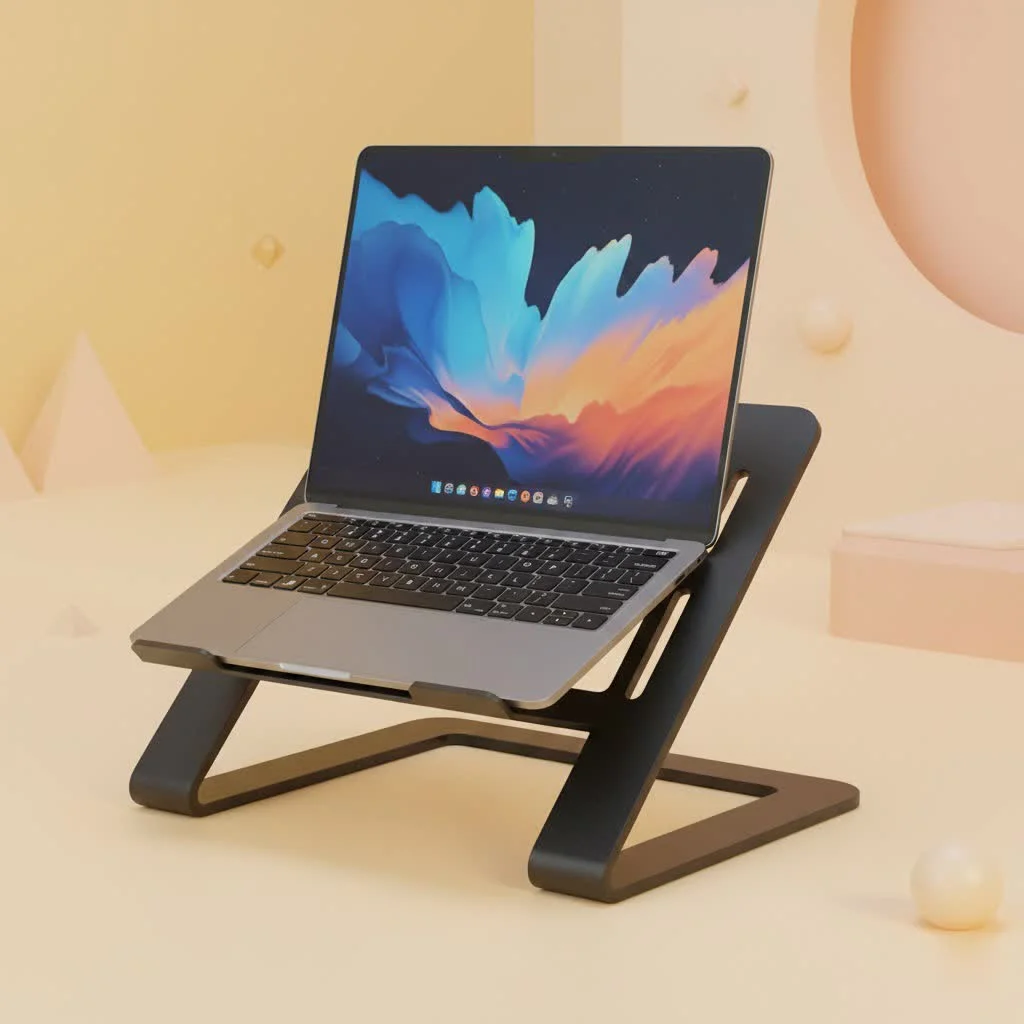
Why a Gaming Laptop Stand is a True major upgrade
Gaming laptops pack desktop-level power into a compact form, generating significant heat from high-performance components like CPUs and GPUs. Overheating triggers thermal throttling, drastically reducing performance. A gaming laptop stand directly combats this by elevating the device, maximizing airflow to the intake vents and ensuring optimal cooling.
Beyond performance, ergonomics are critical. Hunching over a laptop for hours leads to neck, back, and shoulder pain. A proper stand raises the screen to eye level, promoting a healthy, neutral posture for longer, more focused gameplay without long-term strain.
Unleash Peak Performance with Superior Cooling
Heat is the primary enemy of a gaming laptop. A high-quality gaming laptop stand is your first line of defense.
- Active vs. Passive Cooling: Stands offer two main cooling types. Passive stands, often aluminum, improve natural airflow by lifting the laptop. Active stands, or cooling pads, include built-in fans to force cool air into intake vents, actively lowering internal temperatures. For intense gaming, active cooling is superior.
- Preventing Thermal Throttling: By keeping components cooler, a stand prevents the laptop from reaching temperature thresholds that cause thermal throttling. This results in more consistent, higher frame rates and smoother gameplay, especially in graphically demanding titles.
- Increased Component Longevity: Sustained high temperatures degrade internal components over time. Better cooling not only boosts performance but also extends the lifespan of your valuable investment.
“We’ve seen temperature drops of 5-10°C on average when using an active cooling stand during benchmark tests,” notes Dr. Evelyn Reed, our lead thermal dynamics engineer at Wweaw. “That reduction is often enough to eliminate throttling entirely, giving users the full, unrestricted power of their machine.”
Ergonomics: Play Longer, Hurt Less
Comfort is a competitive advantage. When physical discomfort is minimized, focus, reaction time, and decision-making improve.
- Achieve Eye-Level Viewing: The core ergonomic principle is aligning the top of your screen with your eye level. A gaming laptop stand makes this possible, preventing hunching and “tech neck.”
- Improve Your Posture: Proper screen height encourages a straight spine and relaxed shoulders. This reduces muscle fatigue, allowing for comfortable, immersive gaming sessions for hours.
- The Perfect Setup: For ultimate ergonomics, pair your stand with an external keyboard and mouse. This allows ideal screen positioning while keeping hands and wrists in a natural, comfortable position.
How to Choose the Perfect Gaming Laptop Stand
Finding the right stand can be overwhelming. Focus on these key features to ensure it complements your gaming rig and style.
Cooling Capability is Everything
|
Our Picks for the Best Laptop Stand in 2026
As an Amazon Associate I earn from qualifying purchases.
|
||
| Num | Product | Action |
|---|---|---|
| 1 | OMOTON 360° Rotating Laptop Stand Riser for Desk, Ergonomic Foldable Computer Stand Adjustable Height Angles for Collaborative Work, Easy Storage Fit Macbooks,All Laptops up to 16 inches, Silver |

|
| 2 | BESIGN LS03 Aluminum Laptop Stand, Ergonomic Detachable Computer Stand, Notebook Riser Compatible with Air, Pro, Dell, HP, Lenovo More 10-15.6\" Laptops, Silver |
|
| 3 | BESIGN LS03 Aluminum Laptop Stand, Ergonomic Detachable Computer Stand, Riser Holder Notebook Stand Compatible with Air, Pro, Dell, HP, Lenovo More 10-15.6\" Laptops, Black |
|
| 4 | Adjustable Laptop Stand for Desk, Metal Foldable Laptop Riser Holder, Portable Desktop Book Stands, Ventilated Cooling Computer Notebook Stand Compatible with 10-15.6” Laptops |
|
| 5 | Laptop Stand for Desk, Adjustable Laptop Riser ABS+Silicone Foldable Portable Notebook Holder, Ventilated Cooling Notebook Mount Computer Stand for 10-15.6” Laptops,Tablets-Black |
|
| 6 | Amazon Basics Sturdy and Portable Ergonomic Laptop Stand for Desk, Height Adjustable Riser with Ventilated Cooling, Foldable, Fits all Laptops up to 17.3 Inch, Silver, 10 x 8.7 x 6 in |
|
| 7 | Adjustable Laptop Stand, Computer Stand with 360 Rotating Base, Ergonomic Laptop Riser Mount for Desk Foldable Protable Computer Desk Fits with MacBook Pro Air (10-16\") - Black |
|
| 8 | tounee Telescopic Laptop Stand for Desk with 360° Swivel Base, Sit to Stand, Height Adjustable, Portable Riser Holder for Good Posture, Compatible with MacBook Pro, All Laptops 10-17\"-Gray |
|
| 9 | acer Laptop Stand for Desk - with 360 Swivel Base, Rotating Laptop Riser for Desk, Adjustable Computer Stand for Laptops, Ergonomic Riser Holder Foldable, Portable MacBook Pro Air (10-16\") - Silver |
|
| 10 | Lamicall Adjustable Laptop Stand, Portable Laptop Riser, Aluminum Laptop Stand for Desk Foldable, Ergonomic Computer Notebook Stand Holder for MacBook Air Pro, Dell XPS, HP (10-17.3\'\') - Silver |
|
For gaming, prioritize cooling above all else.
- Fan Configuration and Speed: Look for stands with large, powerful fans. Multiple, smaller, well-placed fans aligning with your laptop’s intake vents can also be effective. Adjustable fan speed is beneficial for switching between gaming and quiet tasks.
- Material and Design: Aluminum and mesh surfaces are excellent for heat dissipation. An open-frame design that minimally obstructs vents is crucial for maximizing airflow.
Stability, Adjustability, and Build Quality
Your stand must provide a rock-solid platform for your expensive laptop.
- Sturdy Construction: Look for durable materials like high-grade aluminum or reinforced plastic. Anti-slip rubber pads on the base and surface are essential for security.
- Size Compatibility: Ensure the stand accommodates the size and weight of your gaming laptop, which is typically larger and heavier than standard notebooks.
- Adjustable Height and Angle: The best stands offer multiple height and angle settings, allowing you to achieve the perfect ergonomic position for your setup.
Aesthetics and Extra Features
A gaming laptop stand is a centerpiece of your setup, so it should look the part.
- RGB Lighting: Many gaming stands include customizable RGB lighting to match other peripherals, creating a cohesive and immersive gaming environment.
- Built-in USB Hubs: Gaming laptops often have limited USB ports. An integrated USB hub is convenient for connecting a mouse, keyboard, headset, and other accessories directly to the stand.
- Cable Management: Look for built-in clips or channels to route cables, keeping your desk tidy and clutter-free.
Frequently Asked Questions (FAQ)
Do gaming laptop stands actually improve FPS?
Directly, no. Indirectly, absolutely. A stand improves cooling, which prevents thermal throttling. It’s the prevention of performance loss from throttling that results in higher, more consistent FPS during demanding gameplay compared to a laptop running hot on a flat surface.
Can I just use a regular laptop stand for gaming?
You can, and any stand is better than no stand for basic ergonomics and airflow. However, a dedicated gaming laptop stand is specifically designed with superior active cooling (fans), robust stability for heavier machines, and gamer-centric aesthetics like RGB lighting, which are crucial for the best experience.
How do I know where my laptop’s air intake vents are?
Most gaming laptops have their primary air intake vents on the bottom chassis. Simply flip your laptop over to see the grated areas. The most effective cooling stands have fans that align with these vents to push cool air directly into the system.
Is a more expensive gaming laptop stand always better?
Not necessarily. Price often correlates with build quality, fan power, and extra features like RGB and USB hubs. However, the most important factor is its effectiveness in cooling your specific laptop. A mid-range stand with a fan layout that perfectly matches your laptop’s vents can outperform an expensive one that doesn’t.
The Final Verdict: improve your Game
A gaming laptop stand is no longer a mere accessory—it’s a fundamental component of a high-performance gaming setup. It tackles the two greatest weaknesses of gaming on a laptop: heat and ergonomics. By ensuring your machine stays cool under pressure, you unlock its full potential for smoother, more stable frame rates. By elevating your screen to a comfortable height, you protect your body from strain, enabling longer and more focused gaming sessions. From the performance-obsessed professional to the dedicated enthusiast, investing in the right stand is one of the smartest upgrades you can make. Stop leaving performance on the table and start playing at your peak.
Frequently Asked Questions
Do gaming laptop stands actually improve FPS?
Directly, no, gaming laptop stands do not improve FPS. Indirectly, they absolutely do by improving cooling, which prevents thermal throttling. This prevention of performance loss results in higher, more consistent FPS during demanding gameplay compared to a laptop running hot on a flat surface.
Can I just use a regular laptop stand for gaming?
You can use a regular laptop stand for gaming, and any stand is better than no stand for basic ergonomics and airflow. However, a dedicated gaming laptop stand is specifically designed with superior active cooling (fans), robust stability for heavier machines, and gamer-centric aesthetics like RGB lighting, which are crucial for the best experience.
How do I know where my laptop's air intake vents are?
Most gaming laptops have their primary air intake vents on the bottom chassis. Simply flip your laptop over to see the grated areas, which are typically visible as slotted or mesh sections. The most effective cooling stands have fans that align with these vents to push cool air directly into the system, often leading to temperature drops of 5-10u00b0C.
Is a more expensive gaming laptop stand always better?
Not necessarily. While price often correlates with build quality, fan power, and extra features like RGB and USB hubs, the most important factor is its effectiveness in cooling your specific laptop. A mid-range stand with a fan layout that perfectly matches your laptop's vents can outperform a more expensive one that doesn't.
What are the key benefits of using a gaming laptop stand?
The key benefits of using a gaming laptop stand include preventing thermal throttling for consistent FPS, extending component longevity by reducing heat, and improving ergonomics to prevent neck and back pain. These stands elevate the screen to eye level, promoting better posture for longer, more comfortable gaming sessions.
How to Choose the Perfect Gaming Laptop Stand
Selecting the right gaming laptop stand involves prioritizing cooling, ensuring stability, and considering extra features to enhance your gaming setup.
For gaming, cooling is paramount. Look for stands with large, powerful fans or multiple smaller, well-placed fans that align with your laptop's intake vents. Adjustable fan speed is a valuable feature for varying needs.
Ensure the stand offers a rock-solid platform for your expensive laptop. Choose durable materials like high-grade aluminum and check for anti-slip rubber pads. Verify the stand's size compatibility with your gaming laptop, which tends to be larger and heavier.
The best stands provide multiple height and angle settings. This allows you to dial in the perfect ergonomic position, aligning your screen with eye level to prevent strain during long gaming sessions.
A gaming laptop stand can be a centerpiece of your setup. Look for customizable RGB lighting to match your peripherals. Integrated USB hubs and cable management solutions are also highly convenient for a tidy and functional desk.
Get our weekly buyer guide
Practical specs, not advice. Unsubscribe anytime.

This guide nailed it. I always thought stands were just for aesthetics, but the explanation of how they maximize airflow for the CPU and GPU made perfect sense. My Alienware used to sound like a jet engine, and now it’s much quieter and cooler. It’s a small investment that pays off big time in performance and longevity for your expensive gaming rig. Highly recommend getting one.
The info on preventing thermal throttling was super helpful, and I did notice my laptop runs cooler. However, I found that some of the more elaborate stands with extra features were a bit too bulky for my small desk setup. I ended up going with a simpler, more compact design, which works fine, but I was hoping for something that felt a bit more premium without taking up so much space.
I was skeptical about how much a stand could really help, but this guide convinced me to try one. My old gaming laptop used to get so hot it felt like it was going to melt, especially during long sessions of Cyberpunk. The improved airflow from elevating it has made a huge difference. No more thermal throttling, and my frame rates are way more consistent now. Definitely a game-changer for serious gamers.
I’ve been using a basic stand for a while, but the point about eye-level screen height for better posture really resonated with me. My neck has been killing me after marathon gaming sessions. I upgraded to one of the adjustable stands mentioned, and it’s made a noticeable difference in comfort. It’s not just about cooling; the ergonomic benefits are legit. Wish I’d done this sooner.