In the modern workspace, whether at home or in the office, we’re spending more time than ever hunched over our laptops. This has led to a silent epidemic of back pain, neck strain, and overall discomfort. The solution isn’t to work less, but to work smarter. Enter the standing laptop stand, a revolutionary tool designed to transform your desk into a dynamic, ergonomic workstation. As the creative force behind Wweaw, with over a decade of hands-on experience in ergonomic design, I’ve seen firsthand how this simple device can make a world of difference in your health and productivity.
What is a Standing Laptop Stand, Really?
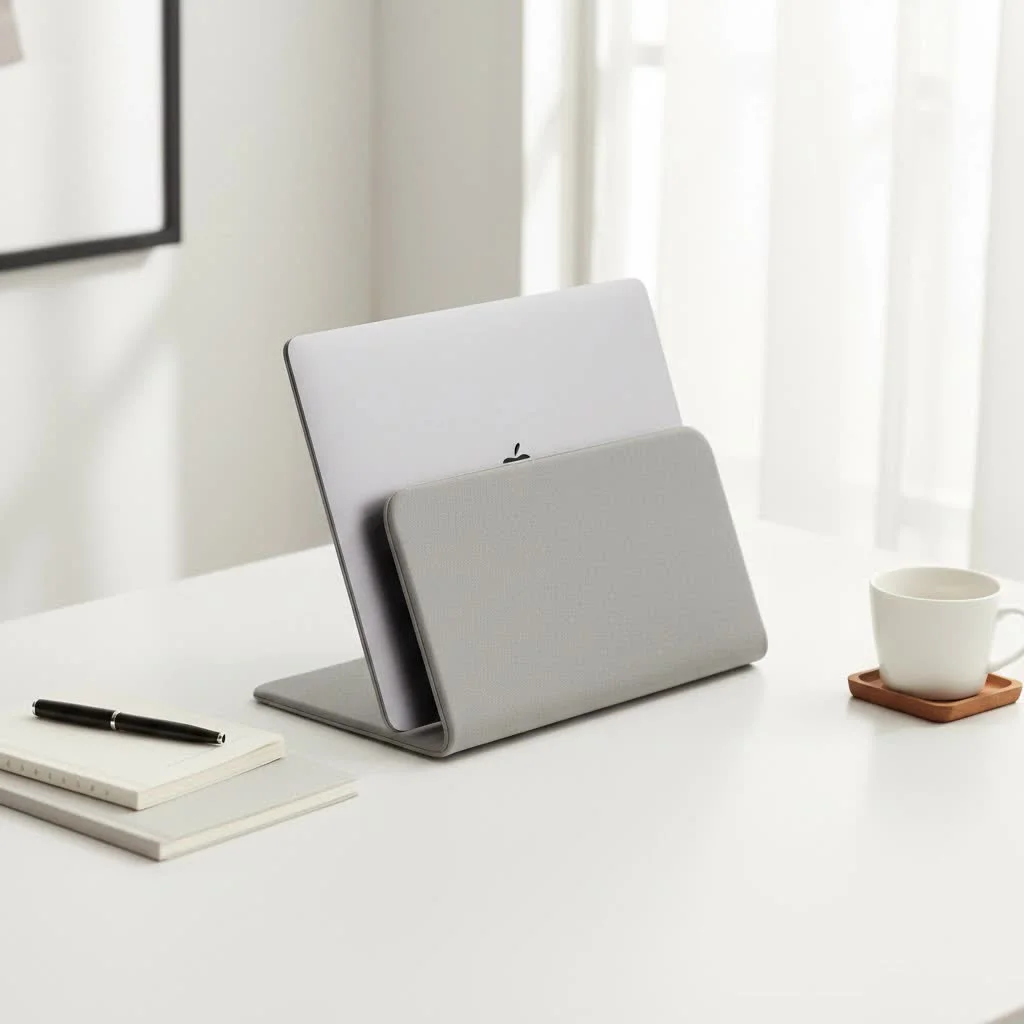
A standing laptop stand is more than just a simple riser. While a standard stand elevates your screen to eye level for seated use, a standing laptop stand is specifically designed to lift your entire setup—laptop and often a keyboard and mouse—high enough for you to work comfortably while on your feet. Think of it as a portable, adjustable standing desk converter. It sits on top of your existing desk, providing the flexibility to switch between sitting and standing throughout the day without needing to invest in a full-sized standing desk. This versatility is its greatest strength, offering the best of both worlds in one compact package.
The Game-Changing Benefits of Standing While You Work
Switching to a standing posture for even a few hours a day can have profound effects on your well-being. It’s not about standing all day, but about breaking the cycle of sedentary behavior.
- Improved Posture and Reduced Pain: By raising your laptop to the correct height, a standing stand encourages a neutral spine alignment. This alleviates the pressure on your neck and shoulders that causes the dreaded “tech neck” and reduces lower back pain.
- Increased Energy and Focus: Standing naturally promotes better circulation and keeps your body more engaged. Many users, myself included, report feeling more alert, focused, and productive during their standing sessions. It combats that mid-afternoon slump far better than another cup of coffee.
- Enhanced Calorie Burn: While it’s no substitute for a gym session, standing burns more calories than sitting. Over weeks and months, this small change can contribute to better overall health and weight management.
- Flexibility for Any Workspace: A standing laptop stand instantly converts any table or desk into an ergonomic workstation. This is perfect for those with limited space, renters, or anyone who doesn’t want to replace their current furniture.
As ergonomist Dr. Alistair Finch notes, “The human body was not designed for prolonged static sitting. Introducing a standing laptop stand is one of the most effective interventions for creating a dynamic workstation. It empowers users to change their posture frequently, which is the cornerstone of workplace ergonomics.”
How to Choose the Perfect Standing Laptop Stand
With so many options on the market, selecting the right stand can feel overwhelming. Focus on these four critical factors to find the perfect match for your needs.
Adjustability and Height Range
|
Our Picks for the Best Laptop Stand in 2026
As an Amazon Associate I earn from qualifying purchases.
|
||
| Num | Product | Action |
|---|---|---|
| 1 | tounee Telescopic Laptop Stand for Desk with 360° Swivel Base, Sit to Stand, Height Adjustable, Portable Riser Holder for Good Posture, Compatible with MacBook Pro, All Laptops 10-17\"-Gray |

|
| 2 | Laptop Stand for Desk, Adjustable Laptop Riser ABS+Silicone Foldable Portable Notebook Holder, Ventilated Cooling Notebook Mount Computer Stand for 10-15.6” Laptops,Tablets-Black |
|
| 3 | Adjustable Laptop Stand, Computer Stand with 360 Rotating Base, Ergonomic Laptop Riser Mount for Desk Foldable Protable Computer Desk Fits with MacBook Pro Air (10-16\") - Black |
|
| 4 | acer Laptop Stand for Desk - with 360 Swivel Base, Rotating Laptop Riser for Desk, Adjustable Computer Stand for Laptops, Ergonomic Riser Holder Foldable, Portable MacBook Pro Air (10-16\") - Silver |
|
| 5 | Adjustable Laptop Stand for Desk, Metal Foldable Laptop Riser Holder, Portable Desktop Book Stands, Ventilated Cooling Computer Notebook Stand Compatible with 10-15.6” Laptops |
|
| 6 | BESIGN LS03 Aluminum Laptop Stand, Ergonomic Detachable Computer Stand, Riser Holder Notebook Stand Compatible with Air, Pro, Dell, HP, Lenovo More 10-15.6\" Laptops, Black |
|
| 7 | Amazon Basics Sturdy and Portable Ergonomic Laptop Stand for Desk, Height Adjustable Riser with Ventilated Cooling, Foldable, Fits all Laptops up to 17.3 Inch, Silver, 10 x 8.7 x 6 in |
|
| 8 | OMOTON 360° Rotating Laptop Stand Riser for Desk, Ergonomic Foldable Computer Stand Adjustable Height Angles for Collaborative Work, Easy Storage Fit Macbooks,All Laptops up to 16 inches, Silver |
|
| 9 | Lamicall Adjustable Laptop Stand, Portable Laptop Riser, Aluminum Laptop Stand for Desk Foldable, Ergonomic Computer Notebook Stand Holder for MacBook Air Pro, Dell XPS, HP (10-17.3\'\') - Silver |
|
| 10 | BESIGN LS03 Aluminum Laptop Stand, Ergonomic Detachable Computer Stand, Notebook Riser Compatible with Air, Pro, Dell, HP, Lenovo More 10-15.6\" Laptops, Silver |
|
This is the most crucial feature. A good standing laptop stand should offer a wide range of height settings to accommodate your specific height and desk setup. Look for models with smooth, easy-to-use adjustment mechanisms, whether they are spring-loaded, gas-powered, or manual. The goal is to position your screen so the top is at or just below eye level, and your keyboard platform allows your arms to be at a 90-degree angle with relaxed shoulders.
Material and Build Quality
The stand needs to be a stable and reliable platform for your expensive equipment. Common materials include:
- Aluminum: Lightweight, durable, and excellent for heat dissipation. It often comes with a sleek, modern aesthetic.
- Steel: Extremely sturdy and stable, ideal for heavier laptops or dual-monitor setups, though it can be heavier.
- Wood: Offers a classic, warm look and is very durable, but may lack the portability of metal options.
- High-Quality Plastic: Can be a good budget-friendly and lightweight option, but ensure it’s robust and doesn’t wobble.
Size and Portability
Consider both the footprint on your desk and the size of the platform. Does it have enough space for your laptop, an external mouse, and perhaps a keyboard? If you move between a home office and a corporate one, or enjoy working from different locations, portability is key. Look for lightweight, foldable designs that are easy to pack and carry without sacrificing stability.
Stability Is Non-Negotiable
A wobbly stand is a productivity killer and a safety hazard. Check for features like anti-slip rubber pads on the base and the platform to keep the stand and your laptop securely in place. A wider base generally provides better stability. Before purchasing, if possible, read reviews specifically mentioning how the stand holds up during typing. A slight bounce is acceptable, but excessive shaking is a deal-breaker.
Getting the Most Out of Your New Ergonomic Setup
Simply owning a standing laptop stand isn’t enough; using it correctly is what unlocks its full potential.
- Find Your Perfect Height: Stand up straight, relax your shoulders, and bend your elbows to a 90-degree angle. Your keyboard should be positioned right at your fingertips. Adjust the screen height so the top of the monitor is at eye level.
- Ease Into It: Don’t try to stand for eight hours on your first day. Start with 30-minute intervals and gradually increase the duration as your body adapts. Listen to your body; if you feel fatigued, sit down for a while.
- Invest in an Anti-Fatigue Mat: A cushioned mat can make a huge difference in comfort, reducing the strain on your feet, legs, and back during longer standing periods.
- Move Around: The point of a standing setup is to be more active. Shift your weight, stretch occasionally, and take short walking breaks.
Frequently Asked Questions (FAQ)
Can I use a standing laptop stand without an external keyboard?
While you technically can, it’s not recommended for long periods. To achieve proper ergonomics, your screen needs to be at eye level while your keyboard is at elbow height. Using the laptop’s built-in keyboard will force you to either raise your shoulders uncomfortably or crane your neck down, defeating the purpose of the stand.
How much weight can a standing laptop stand hold?
This varies significantly by model. Most are designed to hold a standard laptop, which weighs between 3-5 pounds (1.4-2.3 kg). However, larger, more robust models designed as desk converters can often hold 20 pounds (9 kg) or more, accommodating a laptop, monitor, keyboard, and other accessories. Always check the manufacturer’s weight specifications.
Is a standing laptop stand better than a full standing desk?
It depends on your needs and budget. A full standing desk offers more space and often smoother, electronic adjustments. However, a standing laptop stand provides excellent flexibility, is more affordable, portable, and is a perfect solution for those who can’t or don’t want to replace their existing desk. For most users, it offers all the core benefits at a fraction of the cost.
Will a standing laptop stand help with my back pain?
For many people, yes. Back pain is often caused or exacerbated by poor posture during prolonged sitting. By enabling you to stand and maintain a more natural spinal alignment, a standing laptop stand can significantly reduce the strain on your back muscles. However, it’s a tool, not a cure; it should be combined with regular movement and stretching.
Your First Step Towards a Healthier Workday
Switching to a standing laptop stand is more than just an office upgrade; it’s an investment in your long-term health and daily well-being. By breaking free from a sedentary work life, you can boost your energy, sharpen your focus, and protect your body from the strains of modern work. Take the time to choose a stand that fits your specific needs, ease into your new routine, and you’ll soon wonder how you ever worked without one. It’s time to stand up for your health.
Get our weekly buyer guide
Practical specs, not advice. Unsubscribe anytime.
