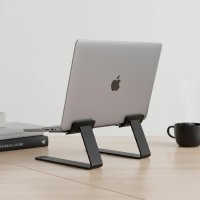
In today’s fast-paced world, our laptops are often our constant companions, transforming coffee shops into offices and hotel rooms into productive workspaces. But this flexibility comes with a hidden cost: the strain on our bodies from endless hours hunched over a screen. That’s where the Roost Laptop Stand comes in, not just as an accessory, but as a crucial investment in your long-term health and productivity. It’s more than just a stand; it’s a commitment to ergonomic excellence on the go.
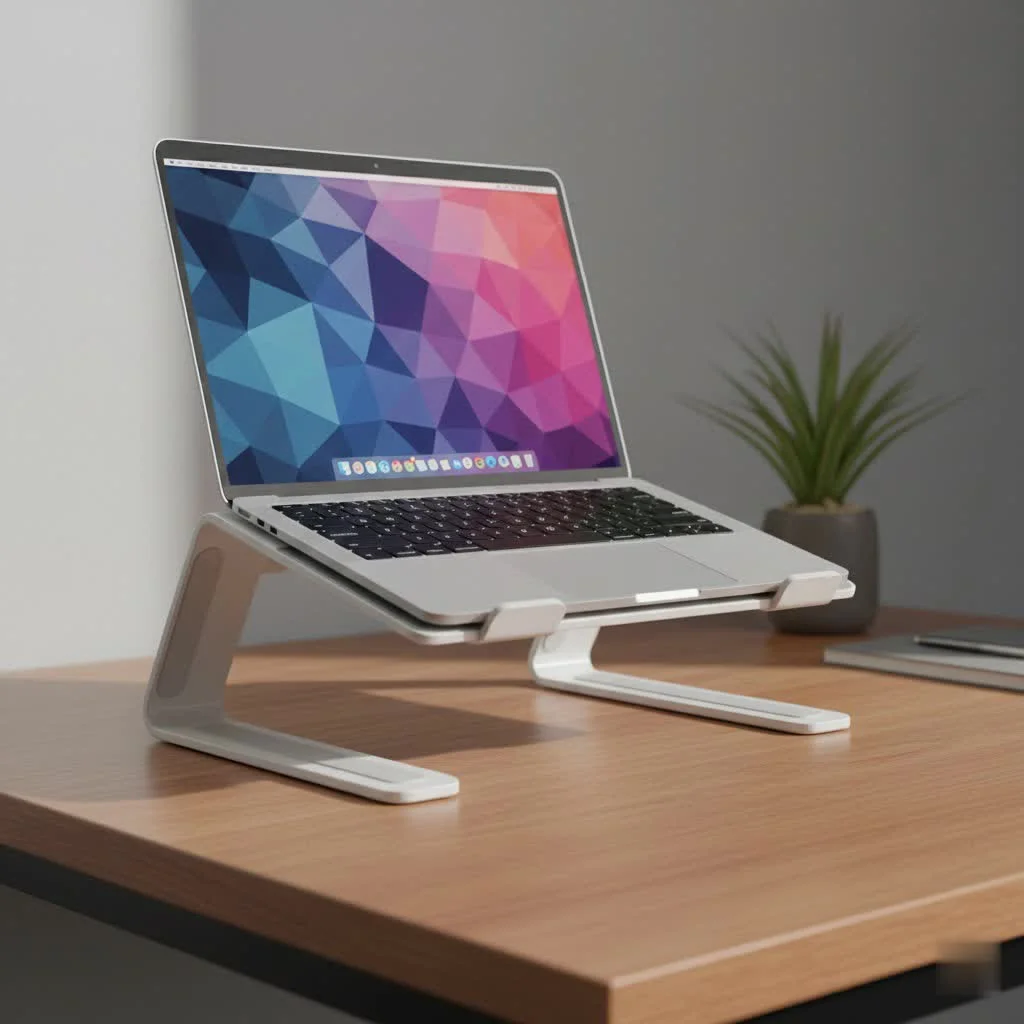
As a seasoned expert in laptop stand design and ergonomics at Wweaw.com, I’ve seen countless products claim to revolutionize your workspace. However, few deliver on the promise of true portability without compromising stability or ergonomic benefits quite like the Roost. Its innovative design has truly set a benchmark for what a travel-friendly laptop stand can achieve, ensuring your comfort, no matter where your work takes you.
What Makes the Roost Laptop Stand a Game-Changer?
When you consider a laptop stand, you’re likely looking for something that improves your posture and makes working more comfortable. The Roost Laptop Stand doesn’t just meet these expectations; it often exceeds them, especially for those who are constantly on the move.
Unrivaled Portability: Work Anywhere, Comfortably
Imagine packing your entire ergonomic workstation into a space no bigger than a small umbrella. That’s the reality with the Roost Laptop Stand. Weighing a mere 6 ounces (about 170 grams), it’s incredibly lightweight. When folded, it compacts down to a slender 1 x 1.5 x 13 inches, making it effortlessly slip into any laptop bag or backpack without adding noticeable bulk. This unparalleled portability means you can transform any surface into an ergonomic desk, whether you’re at a bustling cafe, a quiet library, a co-working space, or even a remote cabin. It’s ideal for the modern professional, the digital nomad, or any student who values comfort on the move.
Superior Ergonomics: Say Goodbye to Neck and Shoulder Strain
The primary goal of any good laptop stand is to elevate your screen to eye level, and the Roost Laptop Stand excels here. By raising your laptop screen between 6.5 to 12.5 inches (depending on the model and selected height setting), it significantly reduces the need to hunch over, thus alleviating common neck and shoulder pain. This ergonomic positioning encourages a healthier posture, allowing you to work longer and more comfortably.
“Many people underestimate the cumulative impact of poor posture,” says Dr. Anya Sharma, a leading expert in occupational health. “A tool like the Roost Laptop Stand, when paired with an external keyboard and mouse, can fundamentally change how you interact with your device, leading to substantial improvements in musculoskeletal health over time.”
It’s crucial to remember that to fully reap the ergonomic benefits, you must pair your Roost stand with an external keyboard and mouse. Because the stand elevates your laptop’s keyboard at an angle, using the built-in keyboard would counteract the postural advantages. With a separate keyboard and mouse, your hands and wrists can remain in a neutral, relaxed position while your screen is at the perfect height.
Built to Last: Durability That Travels With You
|
Our Picks for the Best Laptop Stand in 2026
As an Amazon Associate I earn from qualifying purchases.
|
||
| Num | Product | Action |
|---|---|---|
| 1 | tounee Telescopic Laptop Stand for Desk with 360° Swivel Base, Sit to Stand, Height Adjustable, Portable Riser Holder for Good Posture, Compatible with MacBook Pro, All Laptops 10-17\"-Gray |

|
| 2 | Adjustable Laptop Stand, Computer Stand with 360 Rotating Base, Ergonomic Laptop Riser Mount for Desk Foldable Protable Computer Desk Fits with MacBook Pro Air (10-16\") - Black |
|
| 3 | Adjustable Laptop Stand for Desk, Metal Foldable Laptop Riser Holder, Portable Desktop Book Stands, Ventilated Cooling Computer Notebook Stand Compatible with 10-15.6” Laptops |
|
| 4 | acer Laptop Stand for Desk - with 360 Swivel Base, Rotating Laptop Riser for Desk, Adjustable Computer Stand for Laptops, Ergonomic Riser Holder Foldable, Portable MacBook Pro Air (10-16\") - Silver |
|
| 5 | Lamicall Adjustable Laptop Stand, Portable Laptop Riser, Aluminum Laptop Stand for Desk Foldable, Ergonomic Computer Notebook Stand Holder for MacBook Air Pro, Dell XPS, HP (10-17.3\'\') - Silver |
|
| 6 | BESIGN LS03 Aluminum Laptop Stand, Ergonomic Detachable Computer Stand, Riser Holder Notebook Stand Compatible with Air, Pro, Dell, HP, Lenovo More 10-15.6\" Laptops, Black |
|
| 7 | Laptop Stand for Desk, Adjustable Laptop Riser ABS+Silicone Foldable Portable Notebook Holder, Ventilated Cooling Notebook Mount Computer Stand for 10-15.6” Laptops,Tablets-Black |
|
| 8 | BESIGN LS03 Aluminum Laptop Stand, Ergonomic Detachable Computer Stand, Notebook Riser Compatible with Air, Pro, Dell, HP, Lenovo More 10-15.6\" Laptops, Silver |
|
| 9 | Amazon Basics Sturdy and Portable Ergonomic Laptop Stand for Desk, Height Adjustable Riser with Ventilated Cooling, Foldable, Fits all Laptops up to 17.3 Inch, Silver, 10 x 8.7 x 6 in |
|
| 10 | OMOTON 360° Rotating Laptop Stand Riser for Desk, Ergonomic Foldable Computer Stand Adjustable Height Angles for Collaborative Work, Easy Storage Fit Macbooks,All Laptops up to 16 inches, Silver |
|
Don’t let its lightweight design fool you; the Roost Laptop Stand is engineered for durability. Constructed from high-quality, rigid materials like glass-fiber reinforced Nylon and Delrin high-performance resin, it’s designed to withstand the rigors of frequent travel and daily use. This “over-engineered” approach ensures exceptional stability, supporting laptops up to 15 pounds securely without wobbling or flexing. Its patented rigid folding structure provides a stable foundation, giving you peace of mind that your valuable device is safe and sound, even on less-than-perfect surfaces. The self-adjusting grips are another brilliant feature, accommodating a wide range of laptop thicknesses (typically those with a front edge less than 0.75 inches) for a snug and secure fit.
Effortless Setup and Universal Compatibility
Setting up the Roost Laptop Stand is a breeze. Thanks to its patented folding mechanism, it unfolds and locks into position in a matter of seconds. There’s no complex assembly required; it comes ready to use right out of the box. Adjusting the height is equally straightforward – simply pull or push the arms to your desired setting, choosing from up to seven different levels on the V3 model. While the Roost is generally compatible with most laptops sized between 12 and 18 inches, it performs best with models that have a thin front edge, ensuring the self-adjusting grips function optimally.
Roost Laptop Stand vs. The Competition
In a market saturated with laptop stands, the Roost often emerges as a top contender, particularly when compared to popular alternatives like the Nexstand and MOFT Z.
- Roost vs. Nexstand: While the Nexstand offers a more budget-friendly option, the Roost Laptop Stand generally surpasses it in terms of extreme portability (being lighter and more compact when folded), smoother height adjustments, and the use of more premium, durable materials. The Roost feels more refined and robust for consistent travel.
- Roost vs. MOFT Z: The MOFT Z stands out for its versatility, transforming into various setups like a desk riser or tablet holder. However, when it comes to dedicated ergonomic height adjustment and sheer portability for on-the-go professionals, the Roost often takes the lead. The Roost provides more precise and higher elevation for eye-level screen placement, and its ultra-light, compact design makes it easier to carry frequently.
Maximizing Your Roost Experience: Tips for Optimal Use
To truly unlock the full potential of your Roost Laptop Stand and ensure a comfortable, productive workspace, consider these expert tips:
- Embrace External Peripherals: This is non-negotiable for optimal ergonomics. Always pair your Roost stand with an external keyboard and mouse. This allows your hands and wrists to remain flat and relaxed, preventing strain while your screen is at eye level.
- Fine-Tune Your Height: Experiment with the different height settings to find the one that positions your laptop screen exactly at your eye level. Your monitor’s top edge should be roughly level with your eyes when you sit or stand comfortably.
- Mind Your Environment: Ensure your workspace is well-lit to reduce eye strain. Avoid placing your laptop directly in front of a window to prevent glare.
- Maintain Good Posture: Even with the Roost, be mindful of your overall posture. Sit with your feet flat on the floor, your back supported, and your elbows at a 90-degree angle.
- Clean and Care: To keep your Roost Laptop Stand in top condition, simply wipe it with a soft, damp cloth. Avoid harsh chemicals that could damage the materials.
Is the Roost Laptop Stand Worth the Investment?
Let’s be candid: the Roost Laptop Stand sits at a premium price point compared to many basic laptop risers on the market. This often leads prospective buyers to ask, “Is it really worth the money?” My answer, after years of hands-on experience and feedback from countless users, is a resounding yes, especially for those who prioritize their health and mobile productivity.
The cost is justified by its superior build quality, the thoughtful, patented design, and its unmatched combination of portability and ergonomic effectiveness. For professionals who travel frequently, work remotely, or simply move between different workspaces, the long-term benefits of reduced physical strain, improved posture, and enhanced productivity far outweigh the initial investment. Think of it as investing in your body’s longevity and your daily comfort – an investment that pays dividends in wellness.
Choosing Your Roost: V3 vs. V3 Plus
While the Roost V3 is widely praised and often featured, there’s also the Roost V3 Plus, offering enhanced features for those seeking even more flexibility. The primary differences lie in the adjustability: the V3 offers 7 height settings with a screen lift of 6.5–12.5 inches, while the V3 Plus boasts 11 height settings and a greater screen lift range of 5–14 inches, along with a quick-release adjustment mechanism. Both share the same ultra-light (6 oz) and compact folded size, ensuring portability remains a core strength. Your choice simply depends on your specific height requirements and whether the quick-release feature is a must-have.
Frequently Asked Questions
Q1: What is the weight and folded size of the Roost stand?
A: The Roost Laptop Stand is incredibly lightweight, weighing approximately 6 ounces (170-178 grams). When folded, it measures a compact 1 inch by 1.5 inches by 13 inches, making it exceptionally portable.
Q2: How does the Roost stand improve ergonomics?
A: It elevates your laptop screen to eye level, reducing the need to slouch and significantly decreasing neck and shoulder strain. This promotes better posture and overall comfort during long work sessions.
Q3: Is the Roost stand compatible with all laptops?
A: The Roost Laptop Stand is designed to fit most laptops from 12 to 18 inches. It works best with laptops that have a thin front edge, typically less than 0.75 inches thick, thanks to its self-adjusting grips.
Q4: Why is the Roost stand more expensive than others?
A: Its higher price reflects the premium materials used, its patented, highly durable, and stable folding design, and its unparalleled portability and ergonomic effectiveness. It’s an investment in a long-lasting, high-performance tool.
Q5: Do I need an external keyboard and mouse with the Roost stand?
A: Yes, absolutely. For optimal ergonomic benefits, an external keyboard and mouse are essential. The Roost elevates your laptop’s built-in keyboard at an angle, so using external peripherals allows your hands and wrists to maintain a neutral, comfortable position.
Elevate Your Work, Anywhere
The Roost Laptop Stand isn’t just another gadget; it’s an indispensable tool for anyone who demands ergonomic comfort and productivity wherever they go. Its ingenious blend of ultra-portability, robust durability, and superior ergonomic design makes it a standout choice for professionals, students, and digital nomads alike. By investing in a Roost, you’re not just buying a laptop stand; you’re buying into a healthier, more comfortable, and ultimately more productive way of working. Make the switch today and feel the difference a truly well-designed laptop stand can make.
Get our weekly buyer guide
Practical specs, not advice. Unsubscribe anytime.