A fan stand laptop cooler is an essential accessory that delivers active cooling and ergonomic support, effectively solving both laptop overheating and poor posture. These stands prevent thermal throttling, which occurs when a laptop’s processor slows down to avoid heat damage, and they elevate the screen to eye level, reducing neck and back strain. Investing in a quality fan stand can significantly boost performance, extend laptop lifespan, and enhance user comfort.
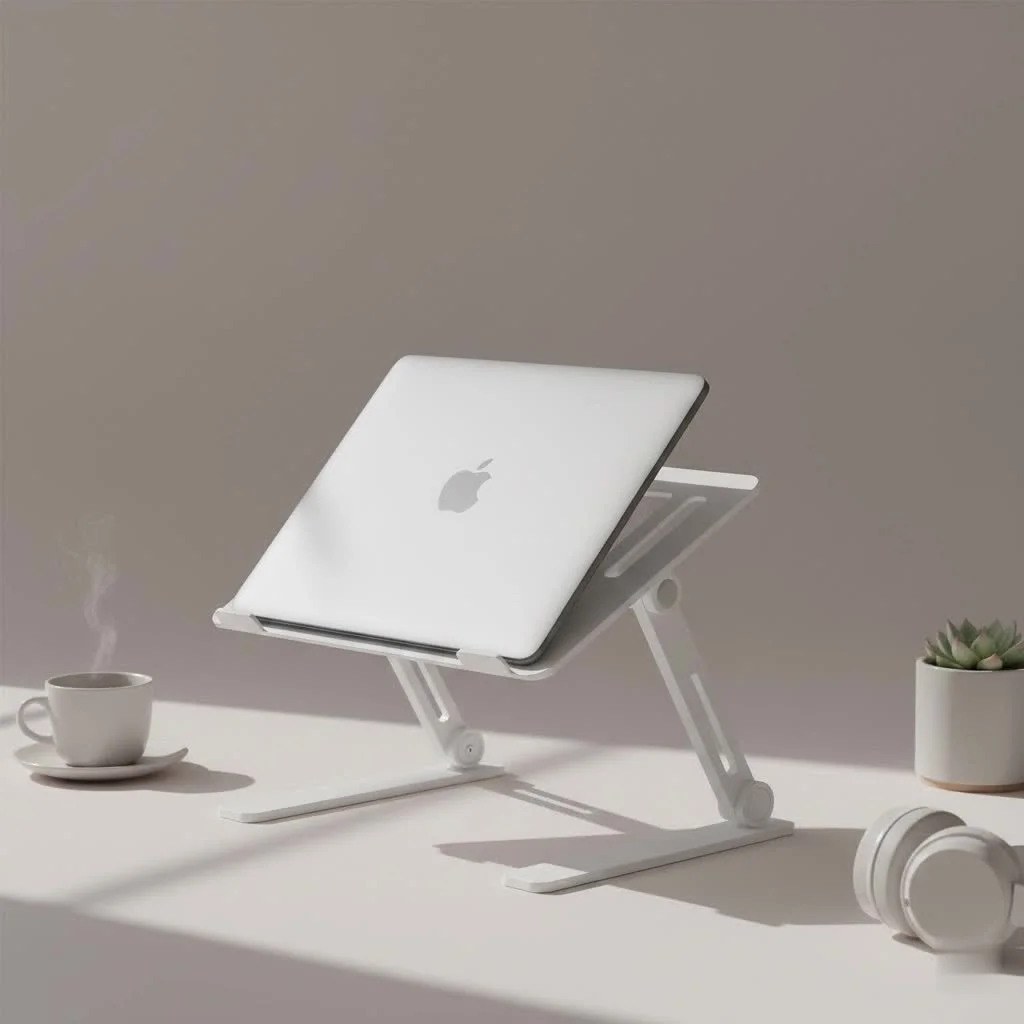
This comprehensive guide will walk you through everything you need to know about these game-changing devices, helping you protect your investment and improve your well-being.
Why Your Laptop is Overheating (And Why You Should Care)
Laptops pack incredible power into a compact chassis, but this design creates a significant challenge: heat dissipation. When you’re gaming, editing videos, or juggling dozens of browser tabs, the CPU and GPU work overtime, generating intense heat. Without adequate ventilation, this heat gets trapped.
This leads to a process called thermal throttling. To prevent its components from cooking themselves, your laptop’s processor intentionally slows down, reducing performance to lower the temperature. That sudden lag during a crucial moment in your game or the stuttering playback in your editing software is often a direct result of your machine protecting itself from heat damage.
Over time, chronic overheating can cause irreversible harm to internal components like the processor, graphics card, and even the battery, significantly shortening your laptop’s lifespan.
The Dual-Power Solution: How a Laptop Fan Stand Works
A laptop stand with a fan tackles the overheating issue from two angles, providing both active cooling and passive airflow improvement, all while supporting a healthier posture.
Active Cooling: The Power of the Fan
The core feature of a fan stand laptop cooler is its built-in fan system. These stands are typically powered via a USB connection to your laptop. The fans are strategically placed to push cool, ambient air up towards the bottom of your laptop, focusing on the intake vents where the machine draws in air for its own internal cooling system. This process helps in two ways: it introduces cooler air to the system and helps dissipate the hot air radiating from the laptop’s chassis. The result is a lower overall operating temperature, even under heavy load.
Ergonomic Elevation: More Than Just a Breeze
Beyond active cooling, the “stand” component is crucial for your personal comfort. By elevating your laptop, you can position the screen at eye level. This simple adjustment is transformative for your posture.
“The most common complaint I hear from long-term laptop users is chronic neck and shoulder pain, often called ‘tech neck’,” notes Dr. Alistair Finch, an ergonomics consultant. “Elevating the screen with a stand aligns your spine naturally, relieving the muscular strain that builds up from hours of hunching over a low screen.”
This ergonomic lift not only prevents pain but also reduces eye strain and helps you maintain focus and comfort for longer periods.
Key Benefits of Using a Laptop Stand with a Fan
Investing in a cooling stand is one of the most effective upgrades you can make for your setup. Here are the primary benefits:
- Boosts Performance: By preventing thermal throttling, a cooling stand ensures your CPU and GPU can run at their peak speeds for longer. This translates to smoother gameplay, faster rendering times, and a more responsive system overall.
- Extends Laptop Lifespan: Heat is the enemy of electronics. By keeping your laptop’s components running cooler, you protect them from the degradation caused by high temperatures, helping to prolong the functional life of your device.
- Enhances Your Comfort: Say goodbye to neck cricks, shoulder aches, and back pain. An adjustable stand allows you to create a workspace that fits your body, promoting better posture and reducing physical fatigue during long work or gaming sessions.
- Improves Stability and Airflow: Placing your laptop on a soft surface like a bed or couch is a recipe for overheating, as it blocks the vents completely. A stand provides a hard, stable surface that guarantees clearance for airflow.
How to Choose the Perfect Fan Stand for Your Laptop
With so many options on the market, selecting the right one can feel daunting. Focus on these key factors to find the perfect match for your needs.
Size and Compatibility
|
Our Picks for the Best Laptop Stand in 2026
As an Amazon Associate I earn from qualifying purchases.
|
||
| Num | Product | Action |
|---|---|---|
| 1 | Lamicall Adjustable Laptop Stand, Portable Laptop Riser, Aluminum Laptop Stand for Desk Foldable, Ergonomic Computer Notebook Stand Holder for MacBook Air Pro, Dell XPS, HP (10-17.3\'\') - Silver |

|
| 2 | Amazon Basics Sturdy and Portable Ergonomic Laptop Stand for Desk, Height Adjustable Riser with Ventilated Cooling, Foldable, Fits all Laptops up to 17.3 Inch, Silver, 10 x 8.7 x 6 in |
|
| 3 | Adjustable Laptop Stand, Computer Stand with 360 Rotating Base, Ergonomic Laptop Riser Mount for Desk Foldable Protable Computer Desk Fits with MacBook Pro Air (10-16\") - Black |
|
| 4 | Laptop Stand for Desk, Adjustable Laptop Riser ABS+Silicone Foldable Portable Notebook Holder, Ventilated Cooling Notebook Mount Computer Stand for 10-15.6” Laptops,Tablets-Black |
|
| 5 | tounee Telescopic Laptop Stand for Desk with 360° Swivel Base, Sit to Stand, Height Adjustable, Portable Riser Holder for Good Posture, Compatible with MacBook Pro, All Laptops 10-17\"-Gray |
|
| 6 | Adjustable Laptop Stand for Desk, Metal Foldable Laptop Riser Holder, Portable Desktop Book Stands, Ventilated Cooling Computer Notebook Stand Compatible with 10-15.6” Laptops |
|
| 7 | OMOTON 360° Rotating Laptop Stand Riser for Desk, Ergonomic Foldable Computer Stand Adjustable Height Angles for Collaborative Work, Easy Storage Fit Macbooks,All Laptops up to 16 inches, Silver |
|
| 8 | BESIGN LS03 Aluminum Laptop Stand, Ergonomic Detachable Computer Stand, Notebook Riser Compatible with Air, Pro, Dell, HP, Lenovo More 10-15.6\" Laptops, Silver |
|
| 9 | BESIGN LS03 Aluminum Laptop Stand, Ergonomic Detachable Computer Stand, Riser Holder Notebook Stand Compatible with Air, Pro, Dell, HP, Lenovo More 10-15.6\" Laptops, Black |
|
| 10 | acer Laptop Stand for Desk - with 360 Swivel Base, Rotating Laptop Riser for Desk, Adjustable Computer Stand for Laptops, Ergonomic Riser Holder Foldable, Portable MacBook Pro Air (10-16\") - Silver |
|
This is the most critical first step. Ensure the stand is designed to accommodate the size of your laptop (e.g., 13-inch, 15-inch, 17-inch). A stand that is too small won’t be stable, while one that is too large can be cumbersome. Check the manufacturer’s specifications for supported laptop dimensions and weight capacity.
Cooling Power: Fans and Airflow
The cooling performance is paramount. Consider the following:
- Fan Configuration: Some stands use a single large fan for broad, quiet airflow, while others use multiple smaller fans to target specific hotspots. If you know where your laptop’s intake vents are, you can choose a layout that aligns with them.
- Fan Speed: Look for models with adjustable fan speeds. This allows you to crank up the cooling for intense gaming sessions and dial it down for quiet operation during regular work.
- Airflow (CFM): Some manufacturers list airflow in Cubic Feet per Minute (CFM). A higher CFM number generally indicates more powerful cooling.
Ergonomics and Adjustability
A stand isn’t effective if it doesn’t place your screen at the correct height for you. Look for models with multiple height and angle adjustment settings. This flexibility allows you to customize the setup perfectly for your desk and chair height, achieving a truly ergonomic viewing angle.
Build Quality and Materials
The material affects both durability and thermal performance. Aluminum is a popular choice because it is sturdy and acts as a passive heat sink, drawing heat away from the laptop. High-quality plastic models can offer better portability and more complex designs.
Extra Features
Many modern stands come with quality-of-life features that can enhance your experience:
- USB Pass-Through Ports: Since the stand uses one of your laptop’s USB ports for power, models with extra built-in USB ports are incredibly convenient, allowing you to plug in other peripherals like a mouse or keyboard.
- Cable Management: Integrated clips or channels can help you keep your desk tidy and free of tangled wires.
- LED Lighting: A common feature on gaming-oriented stands, customizable RGB lighting can add a personalized aesthetic to your setup.
Frequently Asked Questions (FAQ)
Do laptop cooling stands actually work?Yes, they are very effective. Even basic stands improve passive airflow by lifting the laptop off a flat surface. A fan stand laptop cooler goes a step further by actively pushing cool air into the laptop’s vents, which can significantly lower operating temperatures under load.
Will a fan stand drain my laptop’s battery?Because they are powered by USB, they will draw a small amount of power from your laptop. However, the power draw is minimal and is a worthwhile trade-off for the performance and longevity benefits gained by keeping the system cool. When your laptop is plugged in, this is not an issue.
Are laptop fan stands noisy?Noise levels vary between models. Stands with larger fans tend to be quieter than those with smaller fans spinning at high RPMs. Look for models with adjustable fan speeds or check reviews that specifically comment on noise levels if this is a concern for you.
Can I use a fan stand on my lap?It is generally not recommended. Laptop coolers work best on a flat, hard surface like a desk, which allows for unobstructed airflow. Using one on a soft surface like your lap or a blanket can block the fans and defeat the purpose.
Conclusion: A Cool and Comfortable Investment
A laptop is a significant investment, and it deserves to be protected. A fan stand laptop cooler is more than just an accessory; it is a vital tool for maximizing performance, extending the life of your device, and safeguarding your own physical health. By preventing overheating, you unlock your laptop’s true potential, ensuring it runs smoothly and efficiently. By elevating your screen, you invest in your own comfort and well-being, preventing the aches and pains that can arise from poor posture. For a small price, you get a cooler, faster machine and a more comfortable, productive experience.
Frequently Asked Questions
Do laptop cooling stands actually improve performance and comfort?
Yes, laptop cooling stands are very effective. They improve passive airflow by lifting the laptop and actively push cool air into the vents, significantly lowering operating temperatures. This prevents thermal throttling, boosting performance, and the ergonomic elevation reduces neck and back strain, enhancing comfort.
Will using a fan stand drain my laptop's battery quickly?
Fan stands draw a minimal amount of power from your laptop via a USB connection. This small power draw is a worthwhile trade-off for the significant performance and longevity benefits gained by keeping the system cool. When your laptop is plugged into an outlet, battery drain is not an issue.
Are laptop fan stands typically noisy during operation?
Noise levels vary significantly between different models of laptop fan stands. Stands with larger fans generally tend to be quieter than those with multiple smaller fans spinning at high RPMs. Many models offer adjustable fan speeds, allowing users to control noise output, and checking product reviews for specific noise comments is recommended.
Can a laptop fan stand be used effectively on a soft surface like a lap?
It is generally not recommended to use a laptop fan stand on a soft surface like your lap or a blanket. These stands work best on a flat, hard surface such as a desk, which ensures unobstructed airflow to the fans and the laptop's vents. Using it on a soft surface can block the fans and negate its cooling benefits.
What are the main benefits of using a laptop stand with a fan?
The primary benefits of using a laptop stand with a fan include boosting performance by preventing thermal throttling, extending the laptop's lifespan by protecting components from heat, enhancing user comfort through ergonomic screen elevation, and improving stability and airflow compared to soft surfaces.
How to Choose the Perfect Fan Stand for Your Laptop
Selecting the right laptop fan stand involves considering several key factors to ensure optimal cooling, ergonomics, and compatibility for your specific needs.
First, ensure the stand is designed to fit your laptop's size (e.g., 13-inch, 15-inch, 17-inch). A stand that is too small will lack stability, while one that is too large can be cumbersome. Always verify the manufacturer's specifications for supported laptop dimensions and weight capacity.
Assess the cooling performance by looking at the fan configuration, fan speed, and airflow (CFM). Some stands use a single large fan, while others use multiple smaller fans; adjustable fan speeds allow for customized cooling. A higher CFM number generally indicates more powerful cooling capabilities.
Choose a stand with multiple height and angle adjustment settings to achieve a truly ergonomic viewing angle. This flexibility allows you to customize the setup perfectly for your desk and chair height, preventing neck and back strain during long sessions.
The material impacts both durability and thermal performance. Aluminum is a popular choice due to its sturdiness and ability to act as a passive heat sink, drawing heat away from the laptop. High-quality plastic models can offer better portability and more complex designs.
Many modern stands include quality-of-life features. Consider models with USB pass-through ports for connecting peripherals, integrated cable management clips to keep your desk tidy, or LED lighting for a personalized aesthetic, especially for gaming setups.
Get our weekly buyer guide
Practical specs, not advice. Unsubscribe anytime.

As someone who spends hours editing videos, my laptop used to get scorching hot. This fan stand has completely solved that problem. I no longer experience those frustrating slowdowns, and my laptop feels much more responsive. It’s a solid investment for anyone who pushes their machine hard and wants to avoid processor slowdowns.
The idea of preventing heat damage and extending my laptop’s lifespan really appealed to me. While the fan does keep my laptop cooler, I haven’t noticed a huge boost in performance like some others. It’s also a bit bulkier than I expected, which makes it less portable for me. It does help with posture though, so that’s a plus.
I picked up one of these after reading about thermal throttling. My old laptop used to get so loud and slow when I was gaming, and I figured it was just old. Turns out, it was overheating! The fan stand keeps it much cooler, and the noise level is surprisingly low. I wish it had one more USB port, but overall, I’m very happy with it.
I was constantly dealing with my laptop getting super hot during long work sessions, especially when I had multiple programs open. This fan stand laptop cooler has been a game-changer! I noticed an immediate improvement in performance; no more lag or slowdowns. Plus, having the screen elevated has really helped my neck pain from looking down all day.