In today’s mobile-first world, your office is wherever you decide to open your laptop. But working from a cafe, co-working space, or your kitchen table often comes with a literal pain in the neck. This is where a Collapsible Laptop Stand transforms from a simple accessory into an essential tool for productivity and well-being. It’s the secret weapon for achieving ergonomic bliss without sacrificing portability.
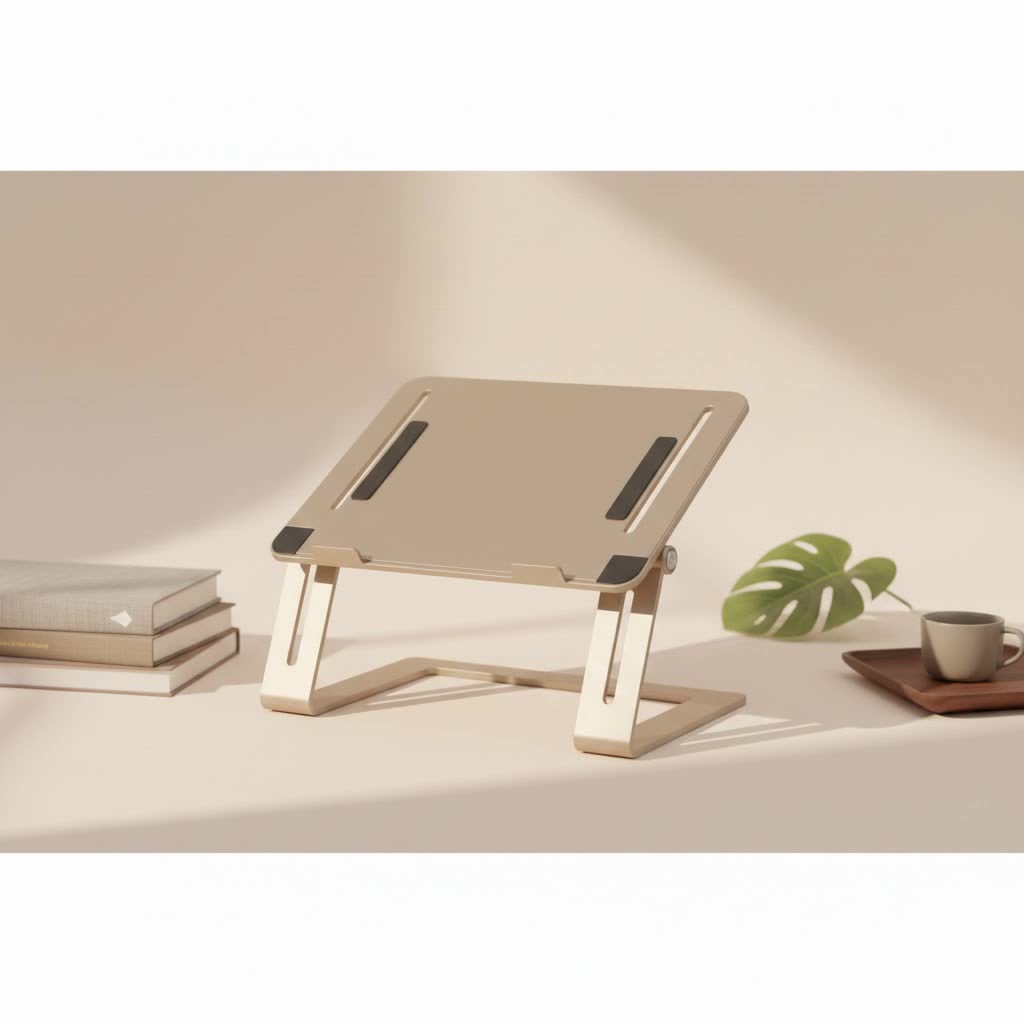
As the creative force behind Wweaw and with over a decade of hands-on experience with ergonomic accessories, I’ve seen these stands evolve from clunky gadgets to sleek, indispensable items. They offer a simple yet profound solution to the slouching and discomfort that plague so many remote and hybrid workers. Let’s dive into everything you need to know about choosing, using, and maximizing the benefits of your collapsible laptop stand.
Why Do You Absolutely Need a Collapsible Laptop Stand?
The core benefit of a laptop is its portability, but this comes at a significant ergonomic cost. The screen and keyboard are fixed together, forcing you to either look down at the screen (straining your neck) or hold your arms up uncomfortably to type. A collapsible laptop stand elegantly solves this problem.
- Improved Ergonomics and Posture: By elevating your screen to eye level, a stand helps you maintain a neutral spine position. This simple adjustment can dramatically reduce neck, shoulder, and back pain associated with “tech neck.” It encourages you to sit up straight, promoting better posture throughout your workday.
- Enhanced Portability and Convenience: Unlike bulky, fixed stands, a collapsible model is designed for life on the go. These stands fold down into a compact, lightweight form that you can easily slip into your backpack or laptop bag. You can set up an ergonomic workstation in seconds, no matter where you are.
- Better Airflow and Cooling: Laptops generate heat, and poor ventilation can lead to throttling and reduced performance. Elevating your device on a stand increases airflow around its chassis, helping it stay cooler and run more efficiently, which can prolong its lifespan.
- Increased Productivity: A comfortable setup is a productive setup. When you’re not distracted by physical discomfort, you can focus better on your tasks. Pairing your stand with an external keyboard and mouse creates a desktop-like experience that can boost your typing speed and overall efficiency.
How to Choose the Perfect Collapsible Laptop Stand
With countless options on the market, finding the right one can feel overwhelming. As an expert, I advise focusing on a few key factors to match the stand to your specific needs. Think of it as choosing a partner for your laptop—it needs to be reliable, supportive, and a good fit.
Material and Build Quality
The material dictates the stand’s durability, weight, and aesthetics.
- Aluminum Alloy: This is the most popular choice for a reason. It offers an excellent balance of strength and low weight. It’s durable, has a premium feel, and often helps dissipate heat.
- Plastic (ABS): High-quality ABS plastic can be very durable and is typically lighter and more affordable than aluminum. However, cheaper plastics can feel flimsy and may not offer the same stability.
- Wood/Bamboo: These offer a unique, natural aesthetic but are generally less portable and adjustable than their metal or plastic counterparts.
|
Our Picks for the Best Laptop Stand in 2026
As an Amazon Associate I earn from qualifying purchases.
|
||
| Num | Product | Action |
|---|---|---|
| 1 | BESIGN LS03 Aluminum Laptop Stand, Ergonomic Detachable Computer Stand, Riser Holder Notebook Stand Compatible with Air, Pro, Dell, HP, Lenovo More 10-15.6\" Laptops, Black |

|
| 2 | OMOTON 360° Rotating Laptop Stand Riser for Desk, Ergonomic Foldable Computer Stand Adjustable Height Angles for Collaborative Work, Easy Storage Fit Macbooks,All Laptops up to 16 inches, Silver |
|
| 3 | Amazon Basics Sturdy and Portable Ergonomic Laptop Stand for Desk, Height Adjustable Riser with Ventilated Cooling, Foldable, Fits all Laptops up to 17.3 Inch, Silver, 10 x 8.7 x 6 in |
|
| 4 | BESIGN LS03 Aluminum Laptop Stand, Ergonomic Detachable Computer Stand, Notebook Riser Compatible with Air, Pro, Dell, HP, Lenovo More 10-15.6\" Laptops, Silver |
|
| 5 | Adjustable Laptop Stand for Desk, Metal Foldable Laptop Riser Holder, Portable Desktop Book Stands, Ventilated Cooling Computer Notebook Stand Compatible with 10-15.6” Laptops |
|
| 6 | Lamicall Adjustable Laptop Stand, Portable Laptop Riser, Aluminum Laptop Stand for Desk Foldable, Ergonomic Computer Notebook Stand Holder for MacBook Air Pro, Dell XPS, HP (10-17.3\'\') - Silver |
|
| 7 | acer Laptop Stand for Desk - with 360 Swivel Base, Rotating Laptop Riser for Desk, Adjustable Computer Stand for Laptops, Ergonomic Riser Holder Foldable, Portable MacBook Pro Air (10-16\") - Silver |
|
| 8 | Adjustable Laptop Stand, Computer Stand with 360 Rotating Base, Ergonomic Laptop Riser Mount for Desk Foldable Protable Computer Desk Fits with MacBook Pro Air (10-16\") - Black |
|
| 9 | Laptop Stand for Desk, Adjustable Laptop Riser ABS+Silicone Foldable Portable Notebook Holder, Ventilated Cooling Notebook Mount Computer Stand for 10-15.6” Laptops,Tablets-Black |
|
| 10 | tounee Telescopic Laptop Stand for Desk with 360° Swivel Base, Sit to Stand, Height Adjustable, Portable Riser Holder for Good Posture, Compatible with MacBook Pro, All Laptops 10-17\"-Gray |
|
Adjustability and Angles
The primary purpose of a stand is to get your screen to the right height. Look for stands with multiple height and angle settings. The best models offer a wide range of adjustments, allowing you to fine-tune the screen position to your exact eye level, whether you’re sitting at a low coffee table or a high desk.
“The ideal ergonomic setup places the top of your screen at or just below eye level. A stand without sufficient height adjustment defeats its own purpose,” advises ergonomics consultant Dr. Alistair Finch. “Look for at least 5-6 inches of height lift.”
Stability Is Non-Negotiable
A wobbly stand is a recipe for disaster. Look for features that enhance stability:
- Silicone or Rubber Pads: These should be placed on the base to prevent slipping on the desk and on the arms to hold your laptop securely in place and prevent scratches.
- Solid Construction: Check the joints and hinges. They should feel sturdy and lock firmly into place without any give. A wider base generally contributes to better stability.
- Weight Capacity: Ensure the stand can comfortably support the weight of your laptop, especially if you have a heavier gaming or workstation model.
Portability and Weight
For travelers and digital nomads, this is a top priority. A great collapsible laptop stand should fold down into a small, portable package. Pay attention to the folded dimensions and the overall weight. The best travel-friendly stands weigh under a pound and come with a small carrying pouch.
Getting the Most Out of Your Laptop Stand
Simply buying a stand isn’t enough; you need to integrate it correctly into your workflow.
- Always Use an External Keyboard and Mouse: This is crucial. Using the laptop’s built-in keyboard and trackpad while it’s on a stand will force you into an awkward arm and wrist position, trading one ergonomic problem for another.
- Adjust to Eye Level: Take the time to set the stand to the correct height. The top bezel of your screen should be level with your eyes. This ensures your neck remains in a neutral, relaxed position.
- Position Your Peripherals: Place your external keyboard and mouse close to your body so your elbows can rest at a comfortable 90-degree angle. Your wrists should be straight, not bent up or down.
- Take Regular Breaks: No amount of ergonomic gear can replace the need to move. Follow the 20-20-20 rule: every 20 minutes, look at something 20 feet away for 20 seconds to reduce eye strain. Get up and stretch every hour.
Frequently Asked Questions (FAQ)
Can a laptop stand damage my device?
A well-designed stand will not damage your laptop. In fact, by improving airflow, it can help prevent overheating. Always look for stands with soft, non-scratch silicone or rubber pads where the laptop rests.
Are collapsible laptop stands stable enough for typing?
While they are designed to be stable for holding a laptop, they are not intended for heavy typing directly on the laptop’s keyboard. The slight bounce would be inefficient and uncomfortable. Always pair your stand with an external keyboard for the best experience.
What is the best collapsible laptop stand for travel?
The best travel stands are extremely lightweight (typically made of aluminum or high-grade plastic), fold down to a very compact size (often into a rod-like shape), and come with a protective carrying case.
How do I know if a stand will fit my laptop?
Most stands list a supported size range, such as “for laptops 10-15.6 inches.” It’s more important to check the weight capacity. Unless you have an unusually large or heavy gaming laptop, most popular stands will be compatible.
Can I use a collapsible laptop stand for a tablet?
Absolutely! Most collapsible stands work wonderfully for tablets like the iPad Pro or Samsung Galaxy Tab, especially when paired with a Bluetooth keyboard. It creates a perfect mini-workstation for drawing, writing, or watching videos.
Your Next Step Towards a Better Workday
A collapsible laptop stand is more than just an accessory; it’s a small investment in your long-term health and daily productivity. By elevating your screen to the proper height, it corrects your posture, reduces physical strain, and helps your laptop perform better. It empowers you to create a comfortable and efficient workspace wherever you go.
Take the time to choose a stand that fits your laptop, your lifestyle, and your ergonomic needs. Once you experience the freedom and comfort of working with a proper setup, you’ll wonder how you ever managed without it.
